
Website Analytics Dashboard Update
See Exactly What's Happening on Your Website
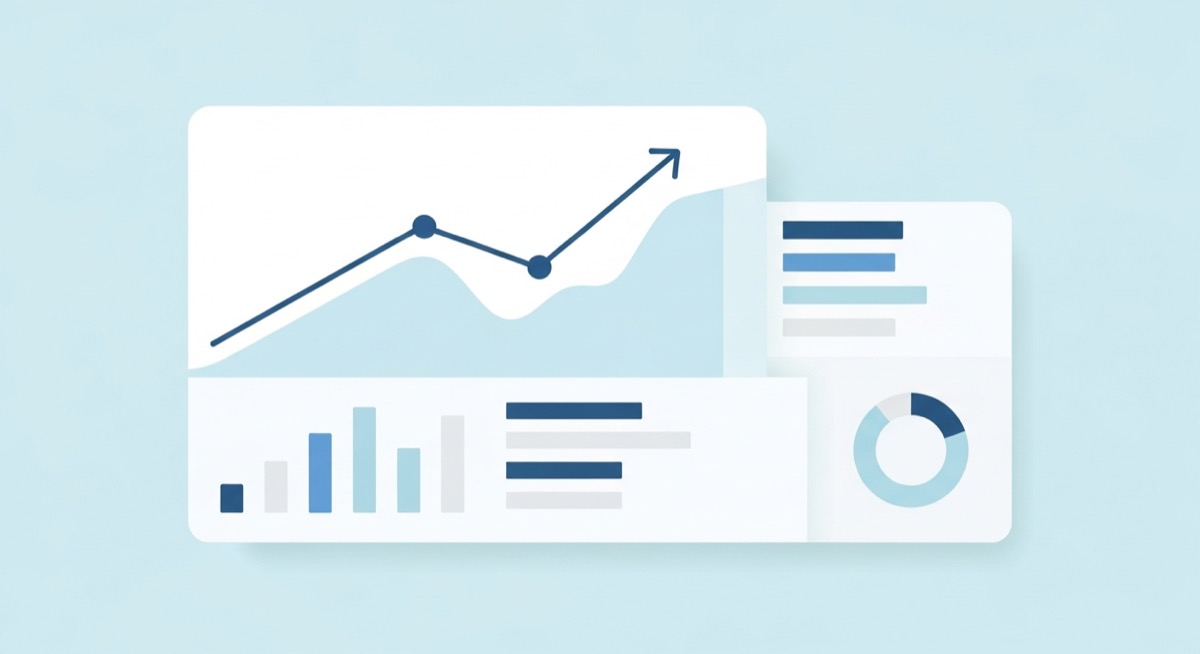
Your Panda IDX dashboard now includes a full analytics dashboard that tracks everything happening across your entire website — every page, every visitor, every conversion.
Previously, your dashboard only showed lead-related activity. If someone browsed your site without signing up, you had no way to know. The old system was limited to tracking leads and lacked many of the standard analytics tools that agents and brokers need to understand their website traffic.
That changes now. The new analytics dashboard gives you a complete picture of how people use your website — whether they become leads or not. No need to set up Google Analytics or any other tool. It's already built in and ready to go.
What You'll See
The dashboard shows you three key numbers:
- Visitors — how many people are browsing your website
- Page Views — which property listings and search pages get the most views
- Conversions — how many visitors signed up, submitted a form, or contacted you
You can view these numbers over different time periods — last 24 hours, 7 days, 30 days, or more — with clear charts that show trends over time.
Know Where Your Leads Come From
When someone signs up or fills out a form on your site, you can see exactly how they got there. Which page were they on? Did they come from Google, Instagram, or a link you shared? What properties did they look at before reaching out?
This helps you understand what's working and where to focus your marketing efforts.
Track Your Marketing Campaigns
When you share links on social media, email, or ads, the dashboard automatically picks up UTM tags and shows you which campaigns are bringing the most traffic and leads.
You'll be able to answer questions like:
- Is my Facebook ad actually bringing visitors?
- Which Instagram post brought the most leads this month?
- Are people from my email newsletter looking at properties?
Understand Your Audience
See where your visitors are located, what devices they use, and how they found your website:
- Countries — where your visitors are browsing from
- Browsers & Devices — desktop vs. mobile, Chrome vs. Safari
- Referrers — Google, social media, direct visits, or other websites
Easy to Get Started
Go to your Analytics Dashboard, enable tracking, and data starts appearing within minutes. No setup, no code, no third-party accounts needed.
Want to see who's visiting your website? Open Your Analytics Dashboard →
