Panda IDX · Website builder
Build a real estate website around the way you work
Create your pages, shape your brand and give visitors a clear path from property search to a conversation. Panda combines visual website tools with IDX search and options for organizing the leads that follow.
Your website is more than its homepage
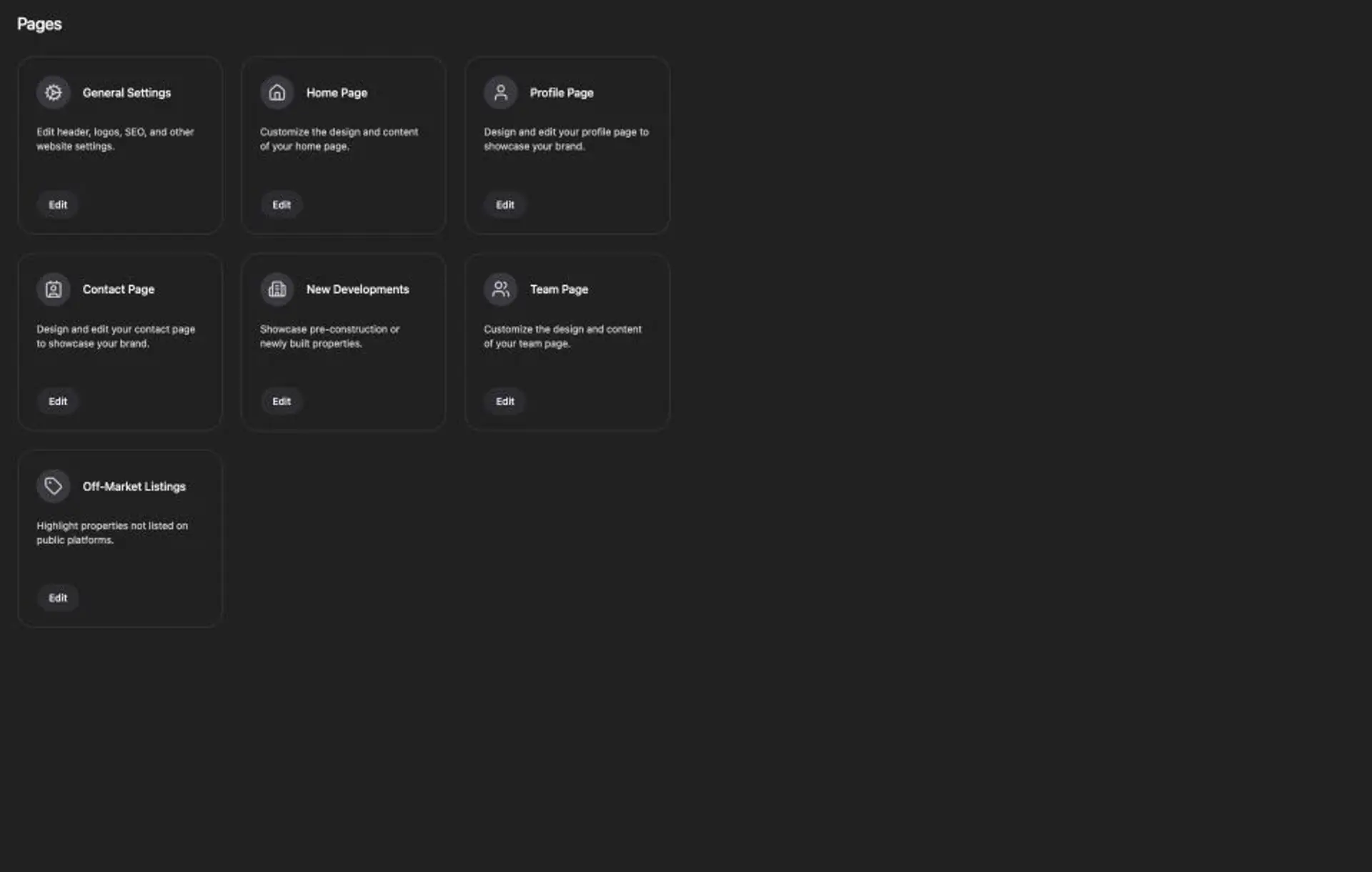
Start with the pages a visitor needs to understand your business. In Panda's Pages dashboard, you can access the home, profile, contact and team pages, along with general settings and property-focused sections. Give each page a job instead of repeating the same introduction everywhere.
Introduce your business
Use the homepage to explain the market you serve and help visitors choose their next step. Put your experience and approach on the profile page rather than crowding the hero.
Make the brand consistent
Review logos, colors and navigation together. Check that a mobile visitor can read the header and find property search and contact information without guessing.
Preview before publishing
Studio includes desktop and mobile preview controls. Inspect the real layout on both sizes, especially headings, property cards and forms. Keep content changes separate from a final launch decision.
For a guided walkthrough, see the homepage editing documentation and the Panda Academy tutorials. Controls can evolve between a recorded tutorial and your current dashboard.
Connect the website to property discovery
A general website builder handles pages and design. An IDX website also needs an authorized listing feed and a usable search experience. Confirm your MLS requirements early, then test a search, open a property and follow its inquiry path as a visitor would.
Choose content around the markets and services you actually offer. A neighborhood introduction, a relevant property collection and a clear contact option are more useful than dozens of interchangeable location pages.
Three questions before you choose a builder
- Does it support your MLS board, and what approval is required?
- Can you manage the pages and branding your team needs?
- What happens after a visitor asks about a property?
Design the next conversation, not just the next page
Decide what an interested visitor should do: request information, ask about a property or contact your team. Keep the form focused on that purpose and make its labels and confirmation clear. Panda provides Forms and Popups in the dashboard; use them where they help the visitor rather than placing the same interruption on every page.
Then agree on who handles the inquiry. Review your plan and contact-management needs before assuming that a website subscription includes every CRM workflow. Our real estate CRM overview and custom contact form tutorial help you prepare the questions to bring to a demo.
Prepare the details that make a launch usable
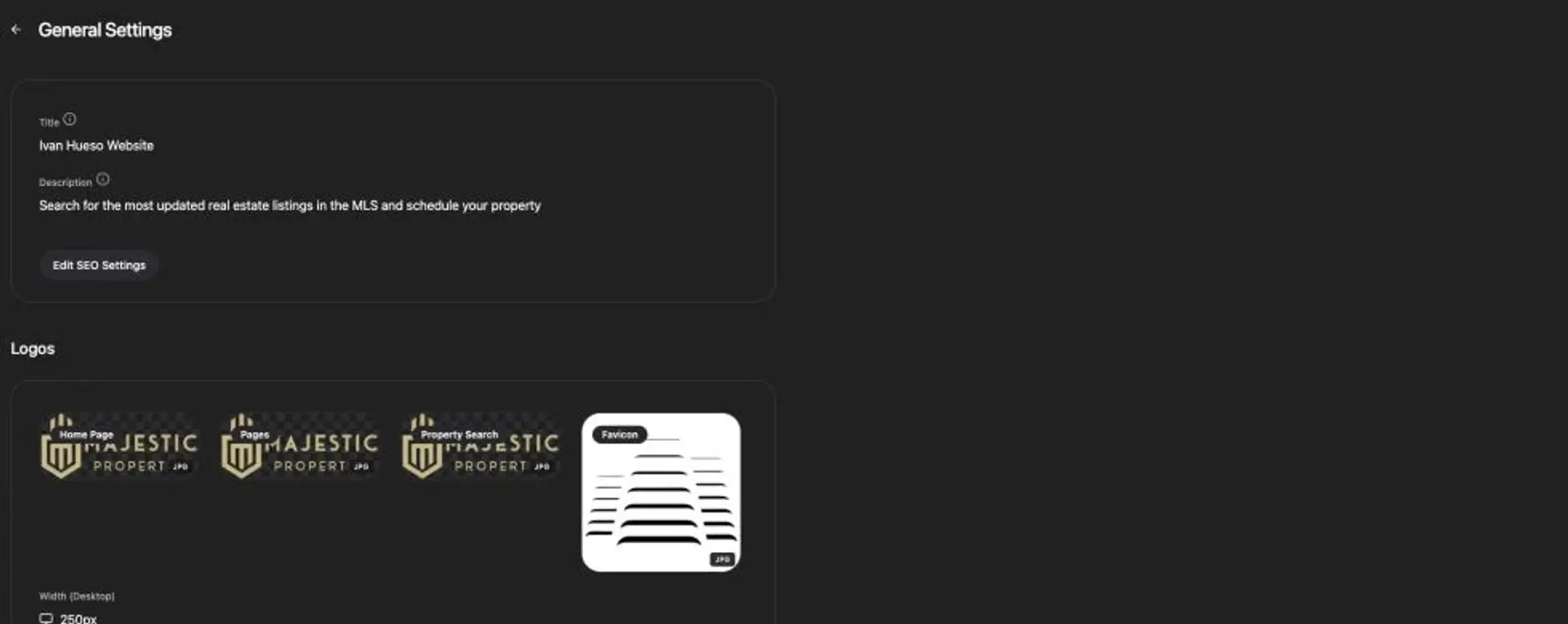
Set an accurate page title and description, use images you have permission to publish and write alternative text that describes meaningful visuals. Review navigation, domain access and important existing URLs before replacing an older site. Metadata should describe the page; it is not a promise of a particular Google position.
Follow the real estate website launch checklist to organize the work. For setup costs and monthly plan scope, use current Panda pricing and request a quote that includes any separate MLS or service charges.
Website builder questions
What is a real estate website builder with IDX?
It combines tools for creating and managing your website with MLS-connected property search. Page editing and IDX access are different parts of the setup: confirm your supported MLS boards, account eligibility and approval requirements before planning launch.
Can I update my website without writing code?
Panda provides visual controls for website pages, branding and content. The dashboard includes home, profile, contact and team pages, while Studio provides visual editing and desktop/mobile preview. A custom integration or design requirement may need additional help.
Does a website plan include CRM?
Panda lists website and website-plus-CRM options. Compare the current plans and ask which contact-management workflow is included in your quote. Do not assume that every CRM feature is part of every website plan.
Does using the builder guarantee Google rankings?
No. Clear page content, useful navigation, accessible images and accurate metadata help prepare a site for discovery. Google determines crawling, indexing and ranking; monitor actual search performance and inquiries after launch.
What should I bring to a website demo?
Bring your MLS board names, current website, logo, example pages, team requirements and the contact workflow you want to support. These help define setup scope, migration work and a realistic quote.
Plan your next step
Explore the platform, prepare your launch, or bring your website requirements to the team.

PANDA IDX