
Learn the Panda Editor
8 short video lessons, about 6 minutes in all. Watch them in order, and each one is checked off when you finish it.
Lesson 1 of 8
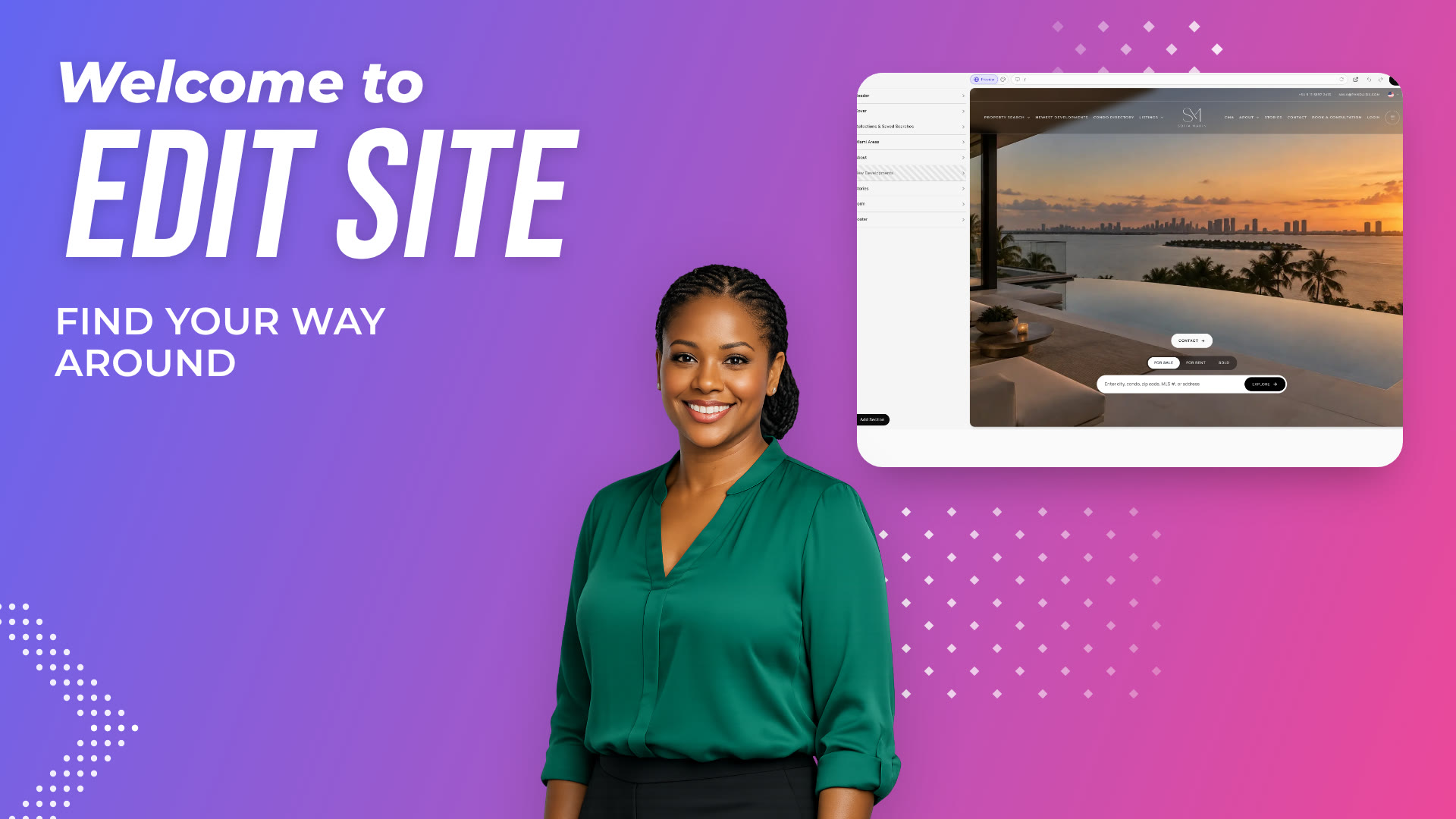
Open the lesson pageFind Your Way Around Edit Site
A tour of Edit Site: the list of sections, the page, Preview, Brand Kit, the address bar, Undo, Redo, Publish and Add Section.
- 01Open Edit Site from the sidebar, right under Home.
- 02The list on the left has the page's sections, from the Header to the Footer.
- 03Preview and Brand Kit are at the top, next to the address bar.
- 04Undo, Redo and Publish are at the top right.
Read Along, One Lesson at a Time
Each lesson also has its own page with the steps written out.
 Duration 0:55
Website Editor
Find Your Way Around Edit Site
A tour of Edit Site: the list of sections, the page, Preview, Brand Kit, the address bar, Undo, Redo, Publish and Add Section.
 Duration 0:47
Website Editor
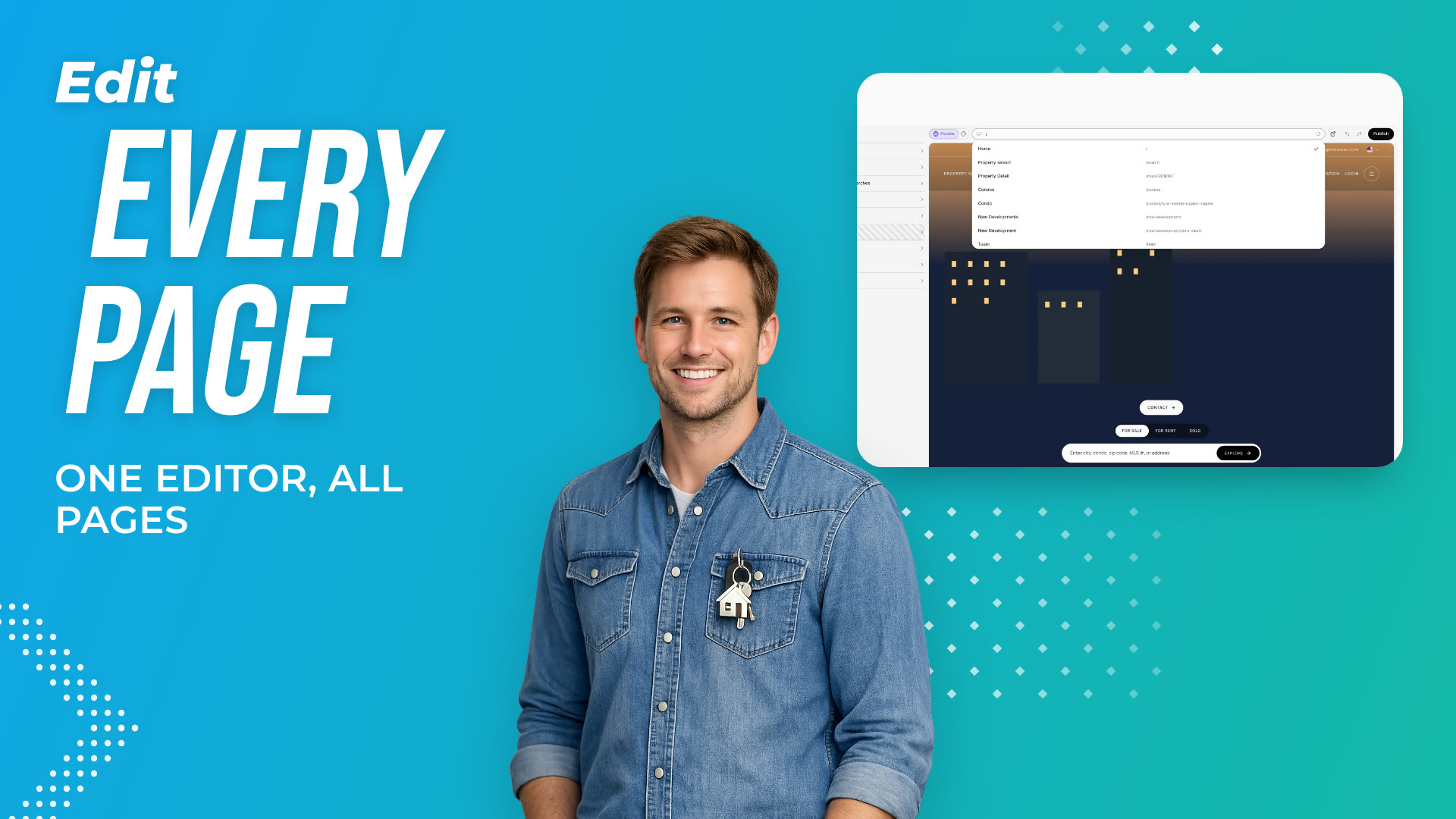
Every Page of Your Website
Open any page of your website in Edit Site from the address bar, and check it on a phone.
 Duration 0:44
Website Editor
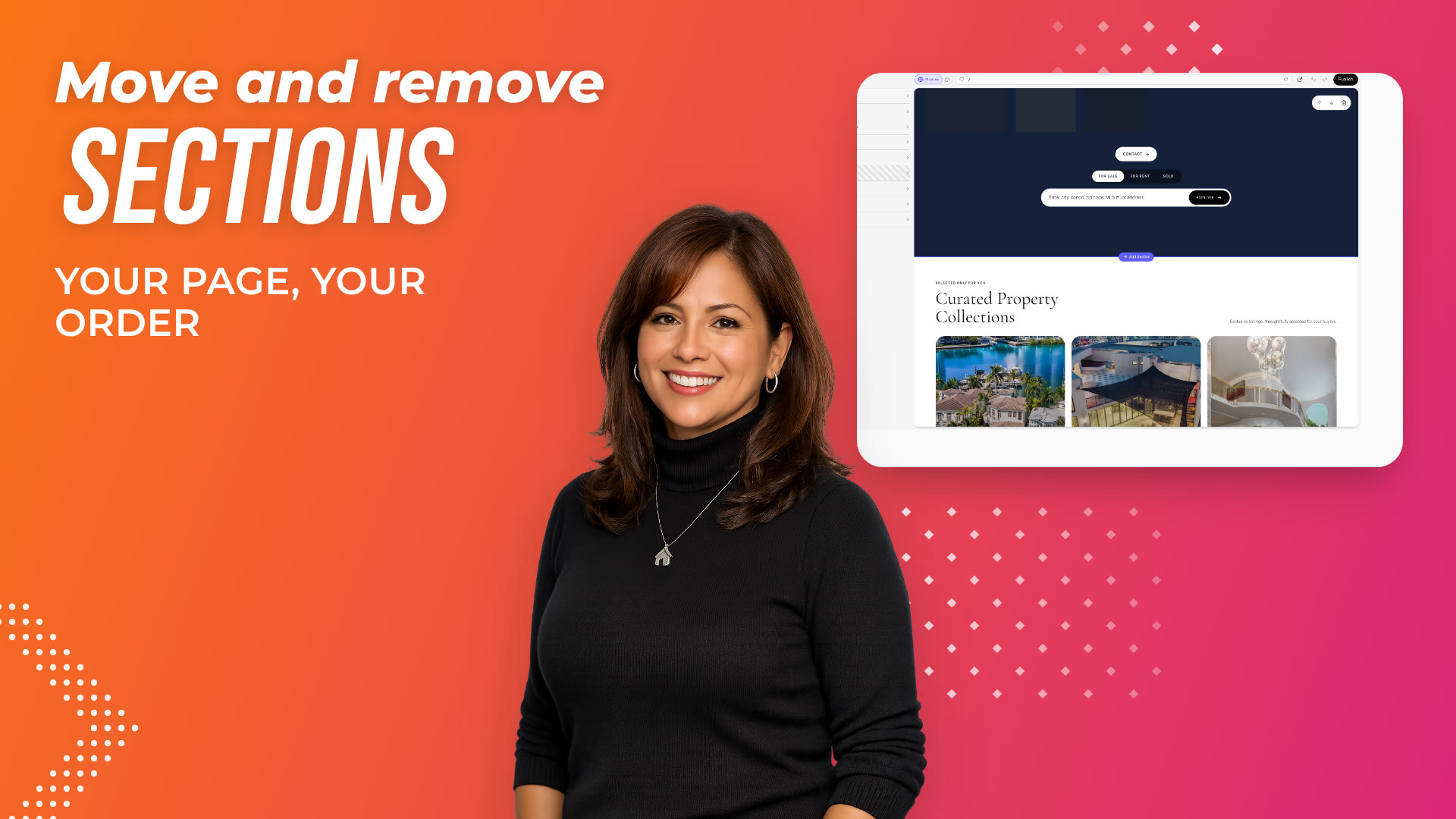
Sections on Your Page
Move, remove and add sections from the page or from the list, and spot the hidden ones.
 Duration 0:36
Website Editor
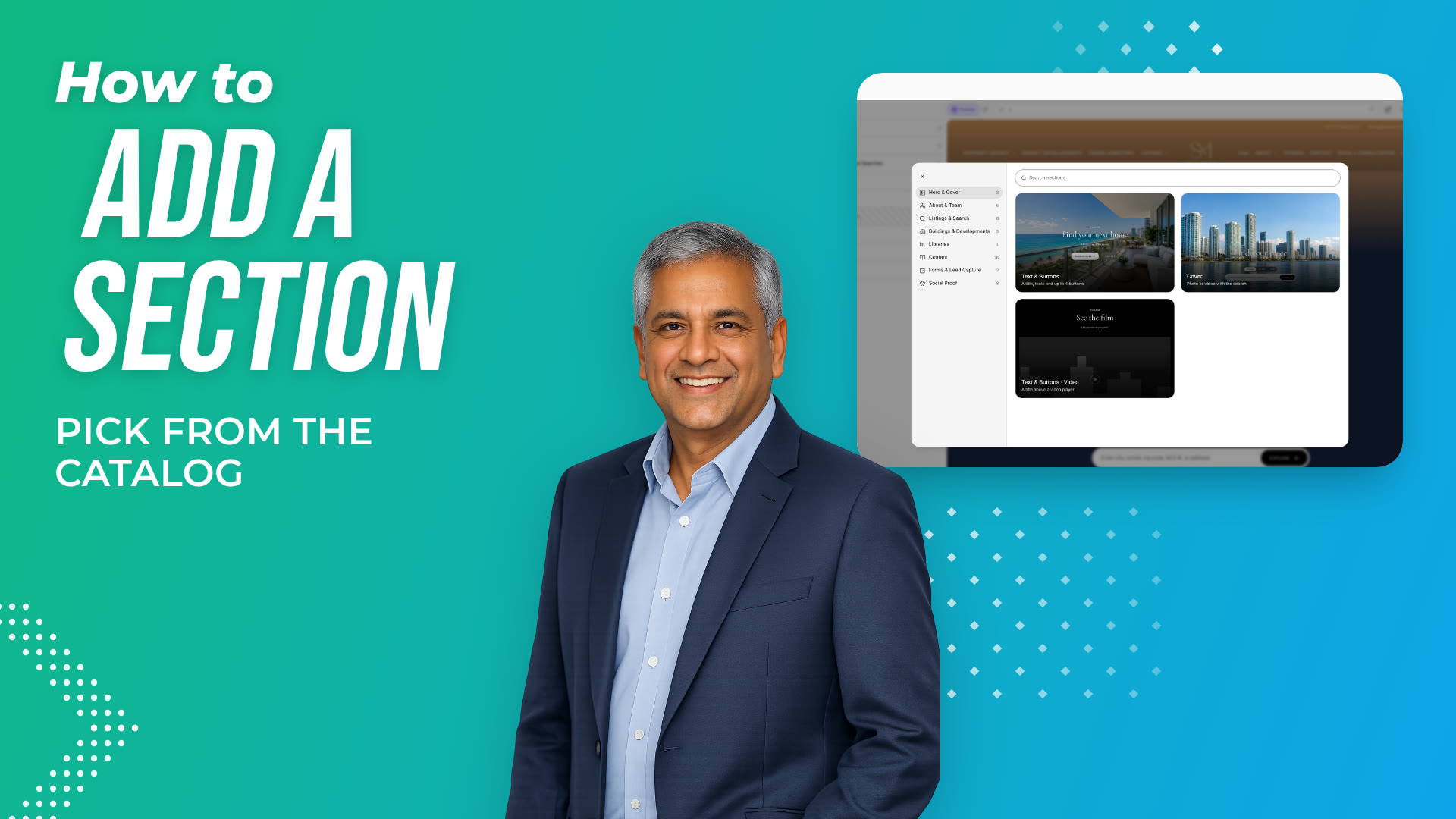
Add a Section
The Add Section catalog: categories, previews and search.
 Duration 0:37
Website Editor
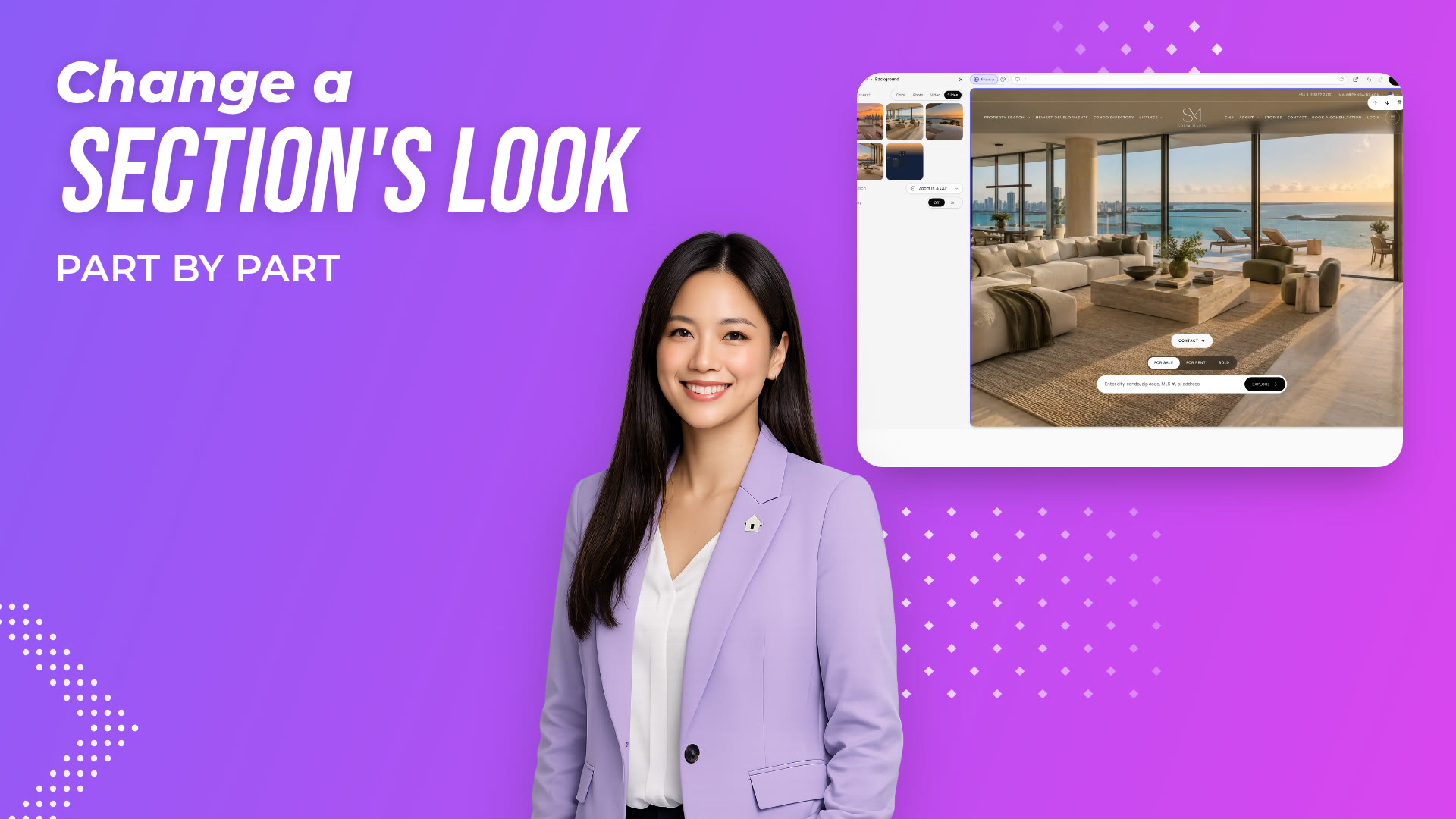
A Section's Settings
Edit a section part by part: Background, Text, Buttons and more.
 Duration 0:37
Website Editor
Header and Footer
Where the Header and the Footer are, and what each one holds.
 Duration 0:52
Website Editor
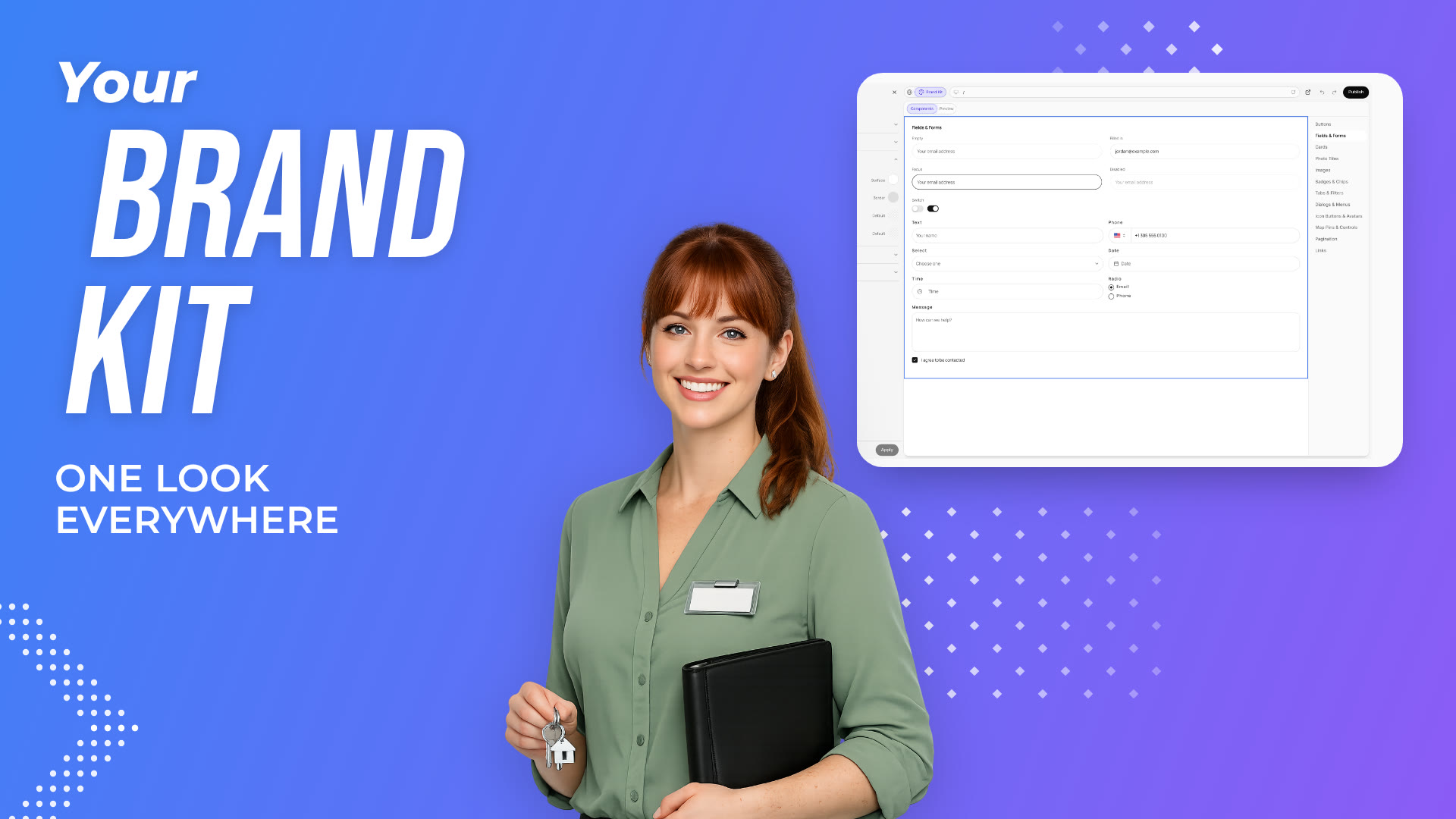
The Brand Kit
The Brand Kit sets your website's colors, fonts and components in one place.
 Duration 0:46
Website Editor
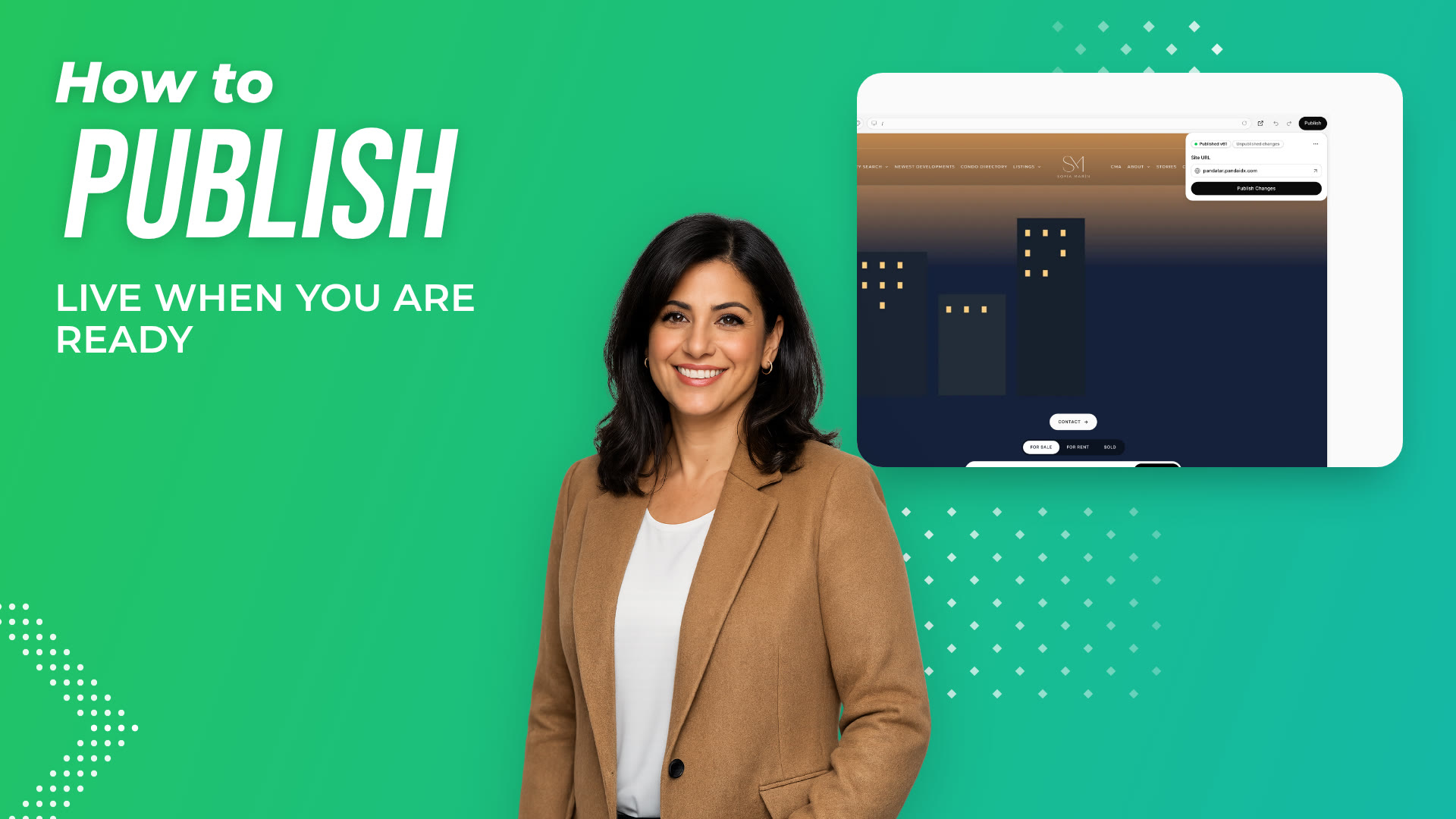
Publish Your Website
Publish your draft, use Undo and Redo, and preview or restore a version.
A Website You Can Change Yourself
Start today, or see it first with someone from our Miami team.