
IDX Property Search Built for How Buyers Shop
Live MLS listings on your own domain, with a map buyers can draw on, filters for the details that matter in your market, and a search box that understands plain English.
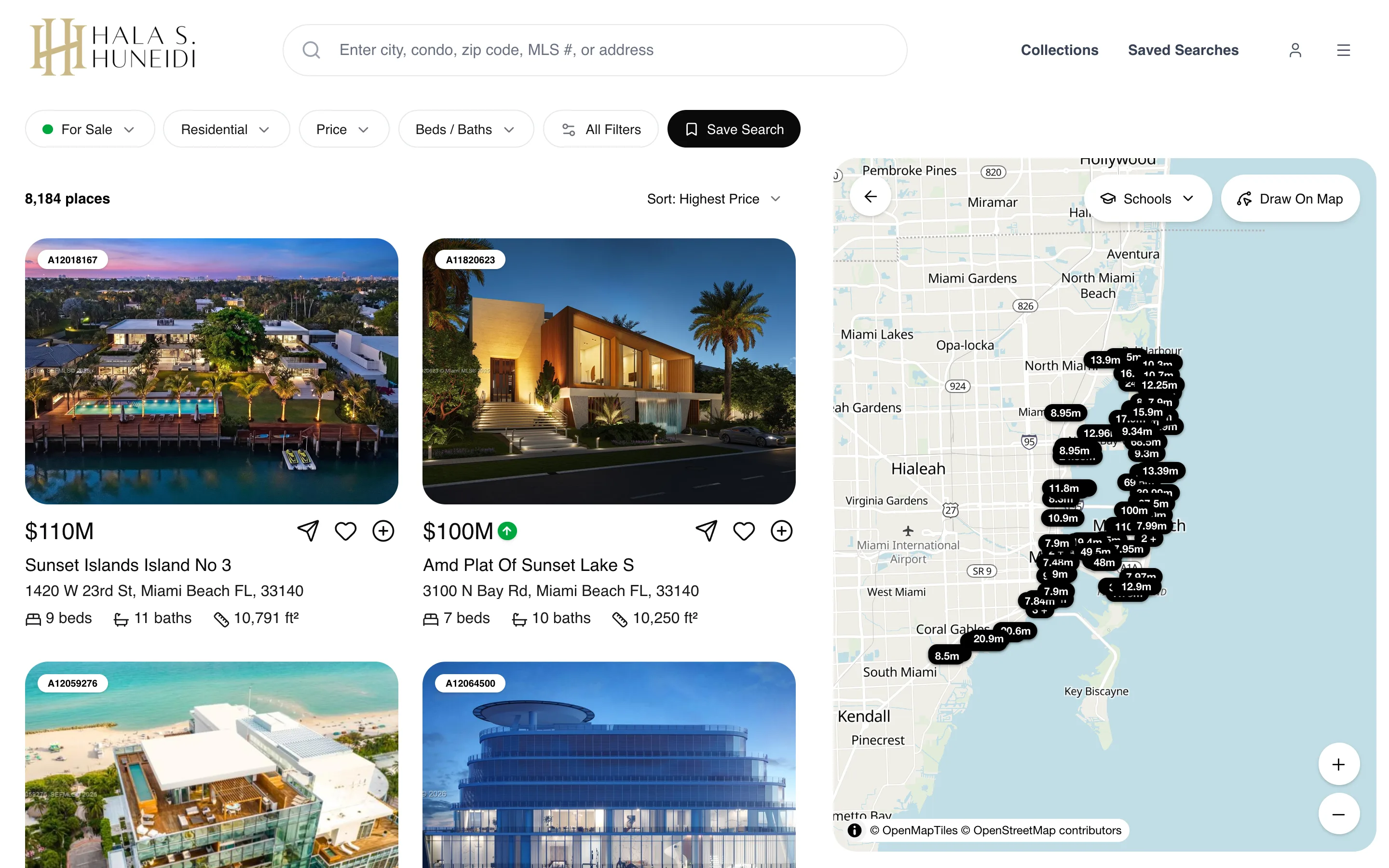
Your MLS, Searchable on Your Website
Listings from your MLS board sync to your site and show up with photos, details, a map and the disclaimer your board requires. Visitors start from the search box on your homepage, type a city, a building, a zip code, an address or an MLS number, and land on results they can sort by price, newest, beds or baths. Every search has its own clean address, so a link to “homes for sale in Coral Gables” opens exactly that.
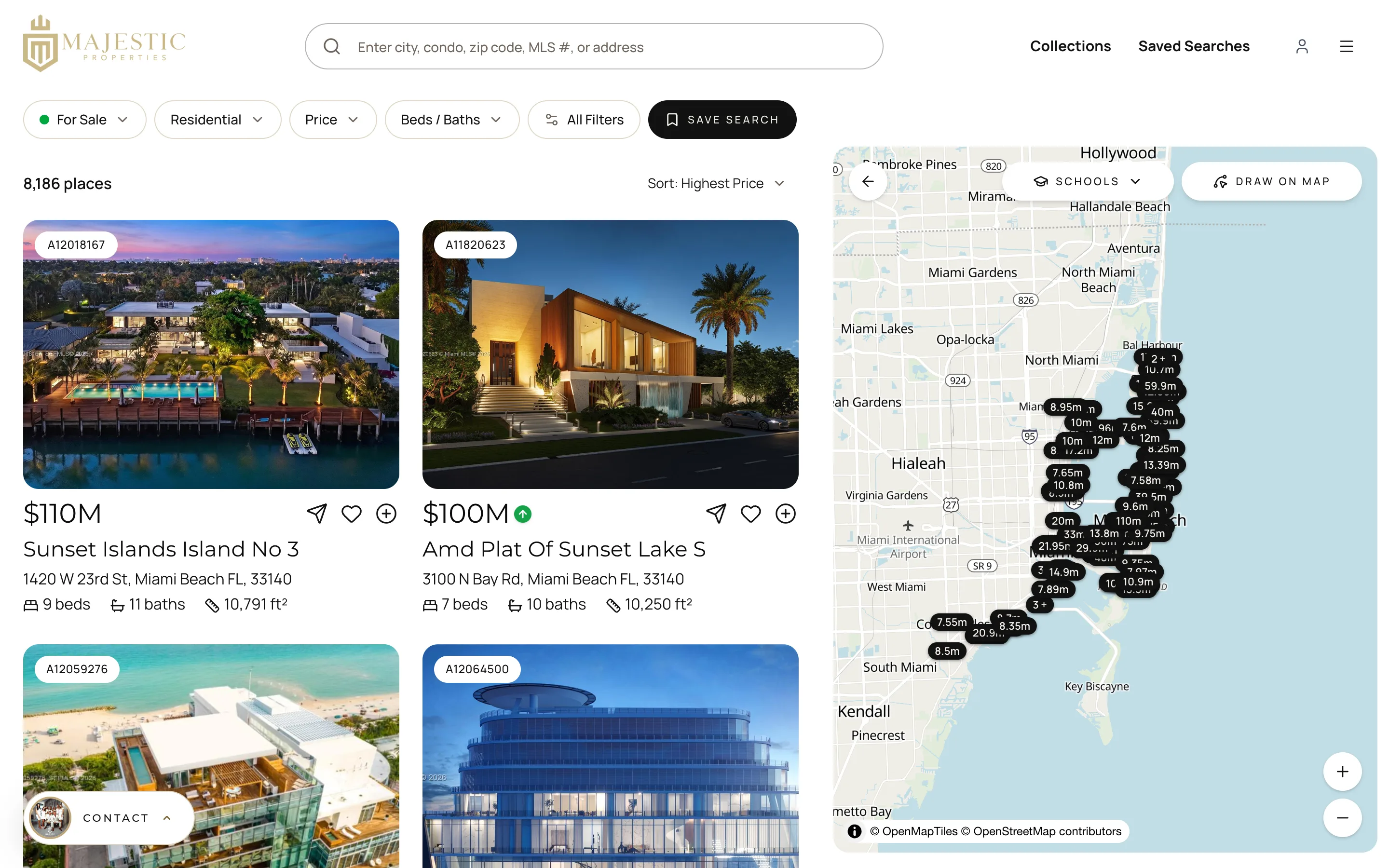
Search the Map, Not Just a City Name
Buyers rarely think in city limits. They think “east of the highway” or “walking distance to the school.” On the map they can drag to search the area on screen, draw a freehand shape around the blocks they want, or set a radius around a point. Results update to match the boundary, and one click removes it. Listings in the same building are grouped on the map so a tower with forty units does not hide everything around it.
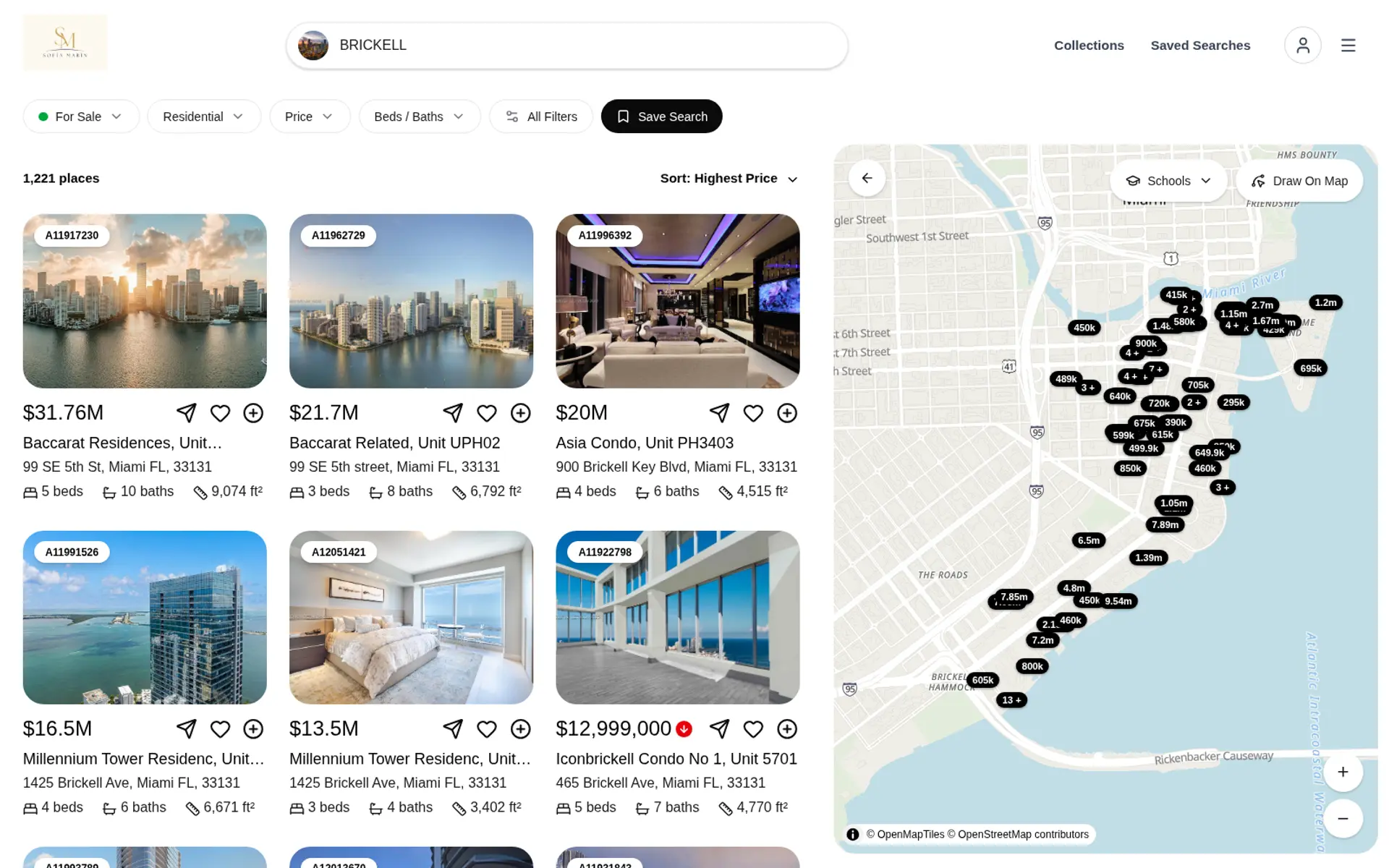
Filters for the Details That Decide a Sale
Beyond price, beds and baths, visitors can filter by status (active, under contract, pending, sold or rented), property type, square feet, lot size, year built, HOA fee and garage spaces. Waterfront buyers can pick bay, canal, intracoastal, lake, ocean access or ocean front, and whether there are fixed bridges. Feature filters cover pool, boat dock, gated community, pets allowed, furnished, penthouse, tennis and golf. There is also a filter for how recently a home was listed, from the last 24 hours to the last 90 days.
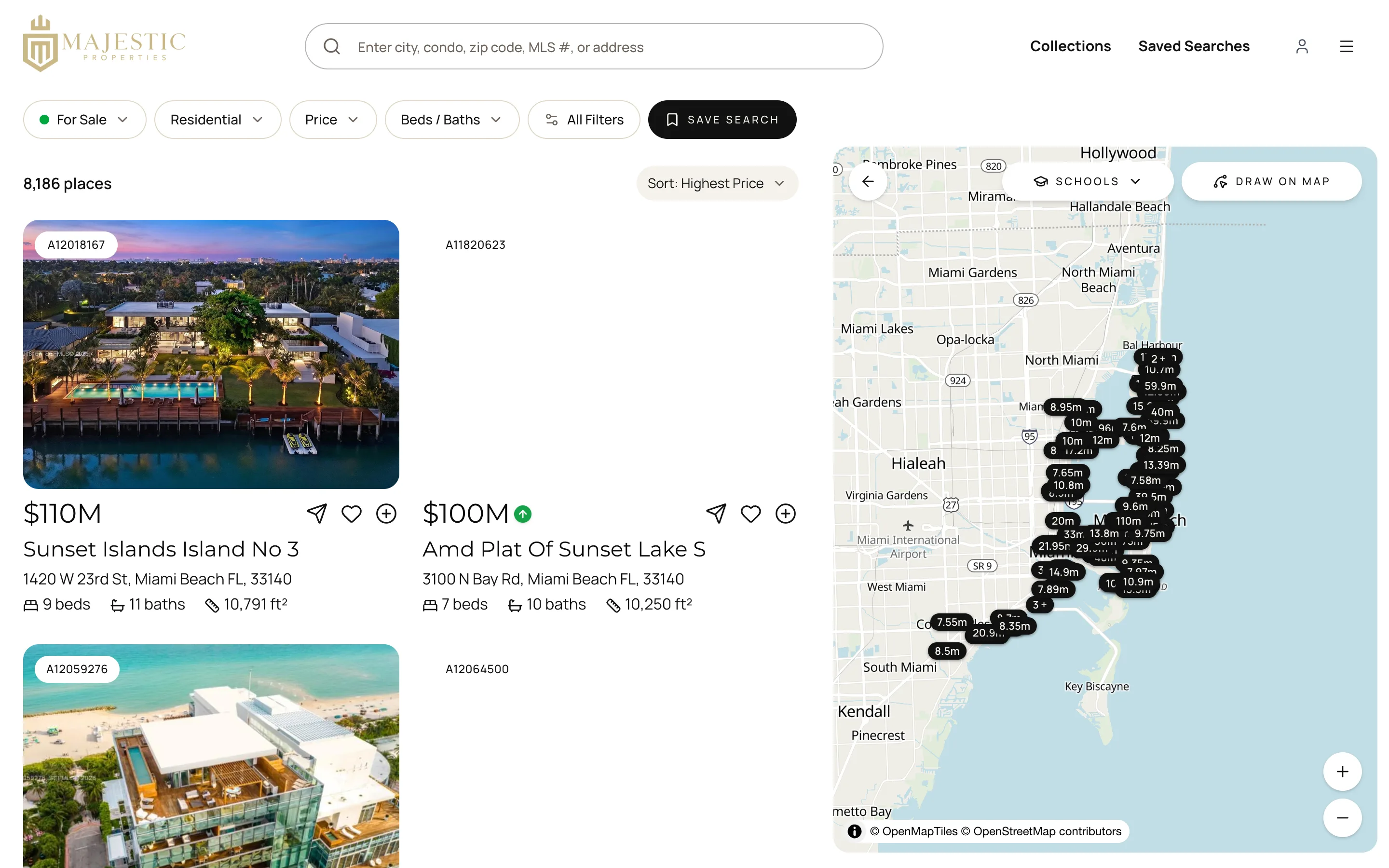
Type It the Way You Would Say It
Some visitors do not want to open six menus. They can write “3 bedroom condo in Brickell under $900K built after 2010” and the AI search turns the sentence into the same filters, runs the search and shows a short description of what it understood. From there they can adjust any filter by hand. It works for beds, baths, price, living area, lot size, year built and location.
Every Search Tells You Something
When a visitor likes a home, adds it to a collection or saves a search, they sign up with their email or with Google. From then on their activity is attached to their contact in your CRM: what they searched, which listings they opened and what they saved. A saved search can email them new matches daily or weekly, with your name on the email, so they come back to your site and not to a portal.
- Likes
- Collections
- Saved Searches
- Daily or weekly email updates
Listing Pages That Ask for the Showing
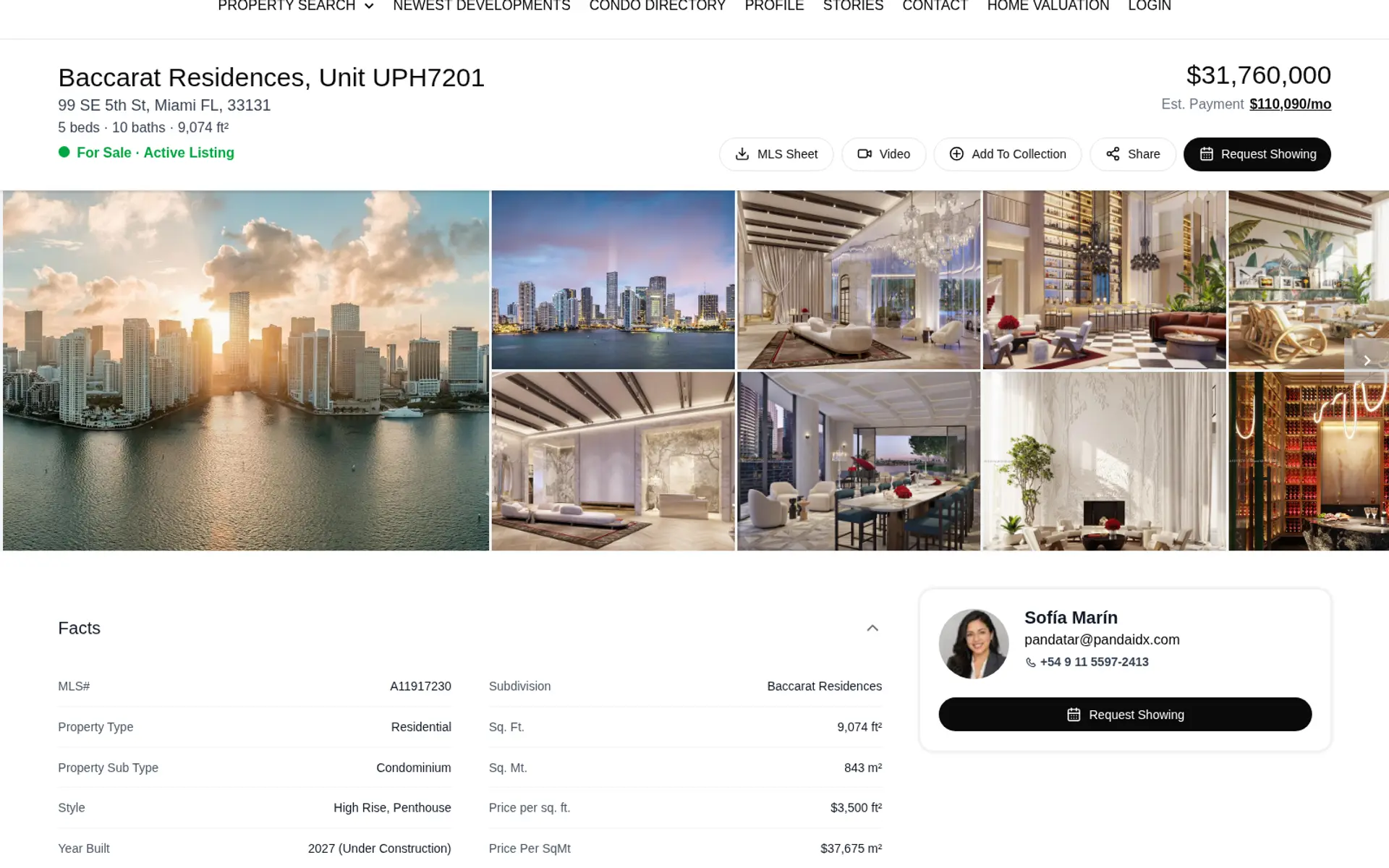
Each listing opens with a photo gallery, a map with a Street View link, the full details table, nearby schools and a mortgage calculator with an estimated payment. The Request Showing button opens your own form, and the lead comes to you. Visitors can share the listing by link, email, WhatsApp, Facebook, LinkedIn, Telegram or X, and print a clean MLS Sheet with your logo in the footer.
Search Pages With Addresses Google Can Read
For sale, for rent, sold, rented, pending and under contract each have their own address, and so do commercial, land, multi-family and business searches. Combine one with a city or a building and you have a page you can link from your menu, your blog or an ad.
/for-sale/miami-beach/for-rent/brickell/sold/coral-gables
Frequently Asked Questions
See the Search With Your MLS
We will set it up on your board and show you your own listings.