
Pre-Construction Projects on Your Real Estate Website
A directory of new developments with the details buyers and investors ask for first: prices, floor plans, deposit schedule and delivery. Every inquiry goes to you.
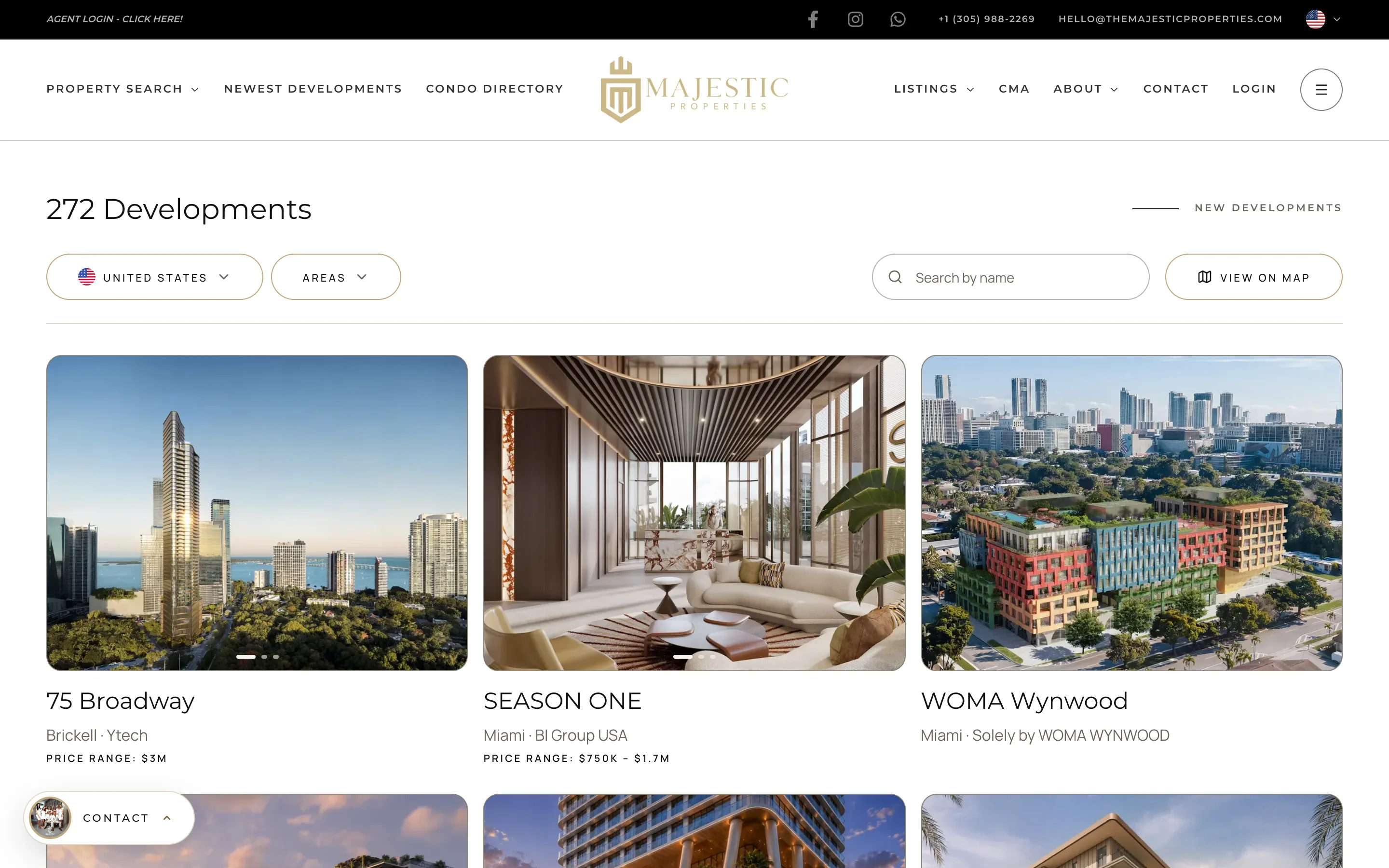
A Directory of What Is Being Built
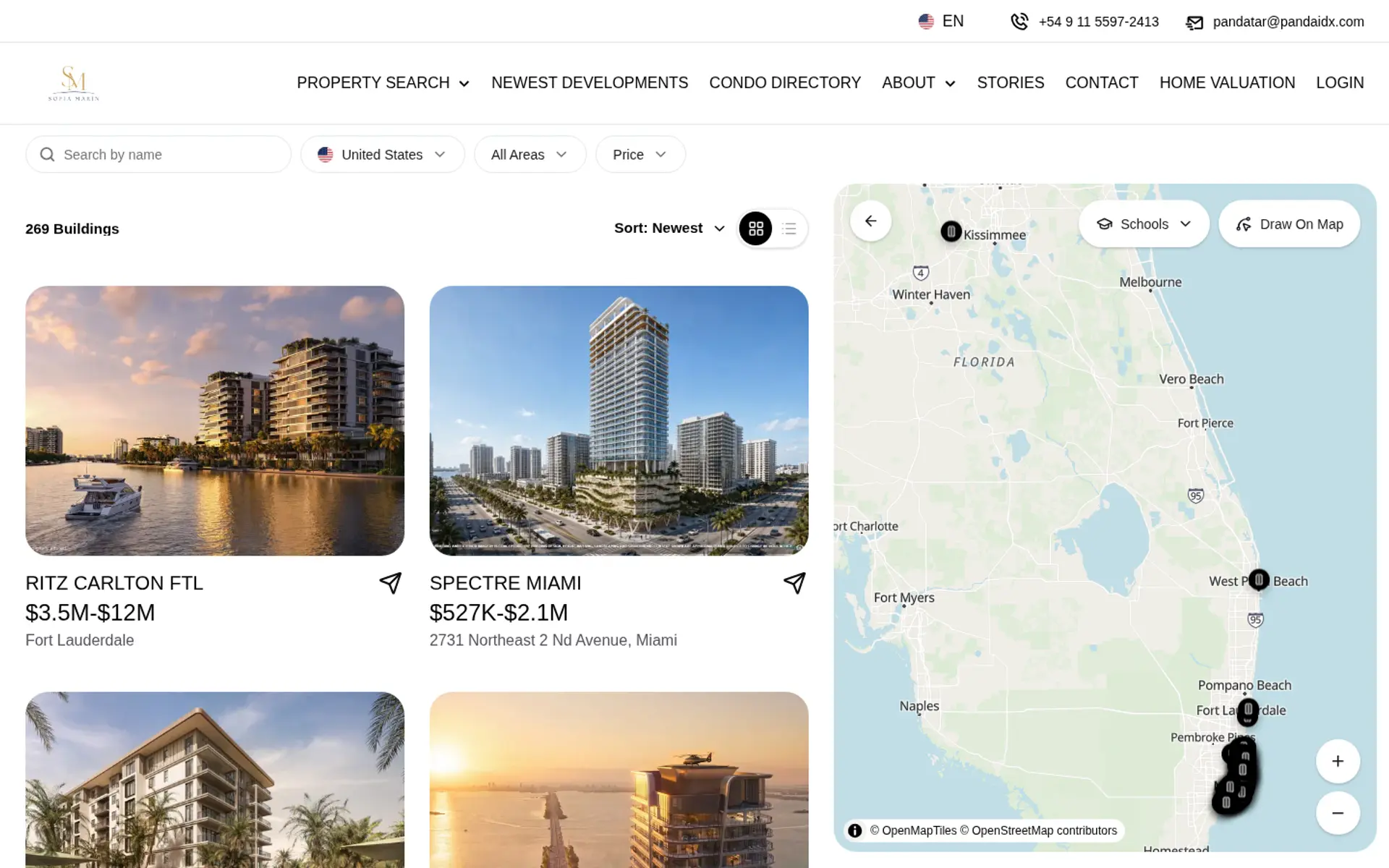
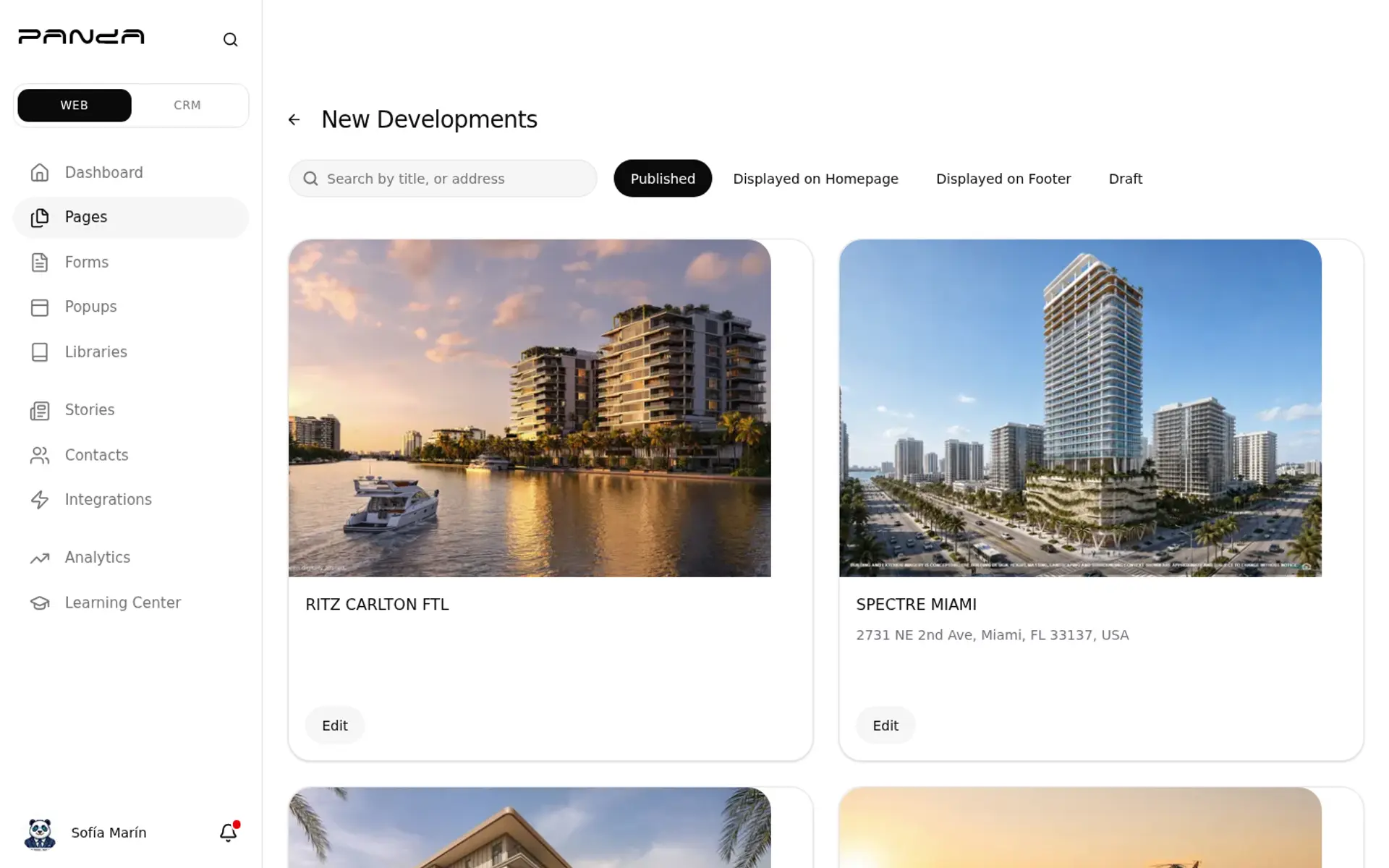
Pre-construction rarely lives in the MLS, so most agent websites have nothing to show for it. The New Developments directory fills that gap. Visitors filter by country, city, status, price and project name, browse projects in rows by area, and see each one as a card with the developer, the number of units and the asking range. A map shows where each project stands.
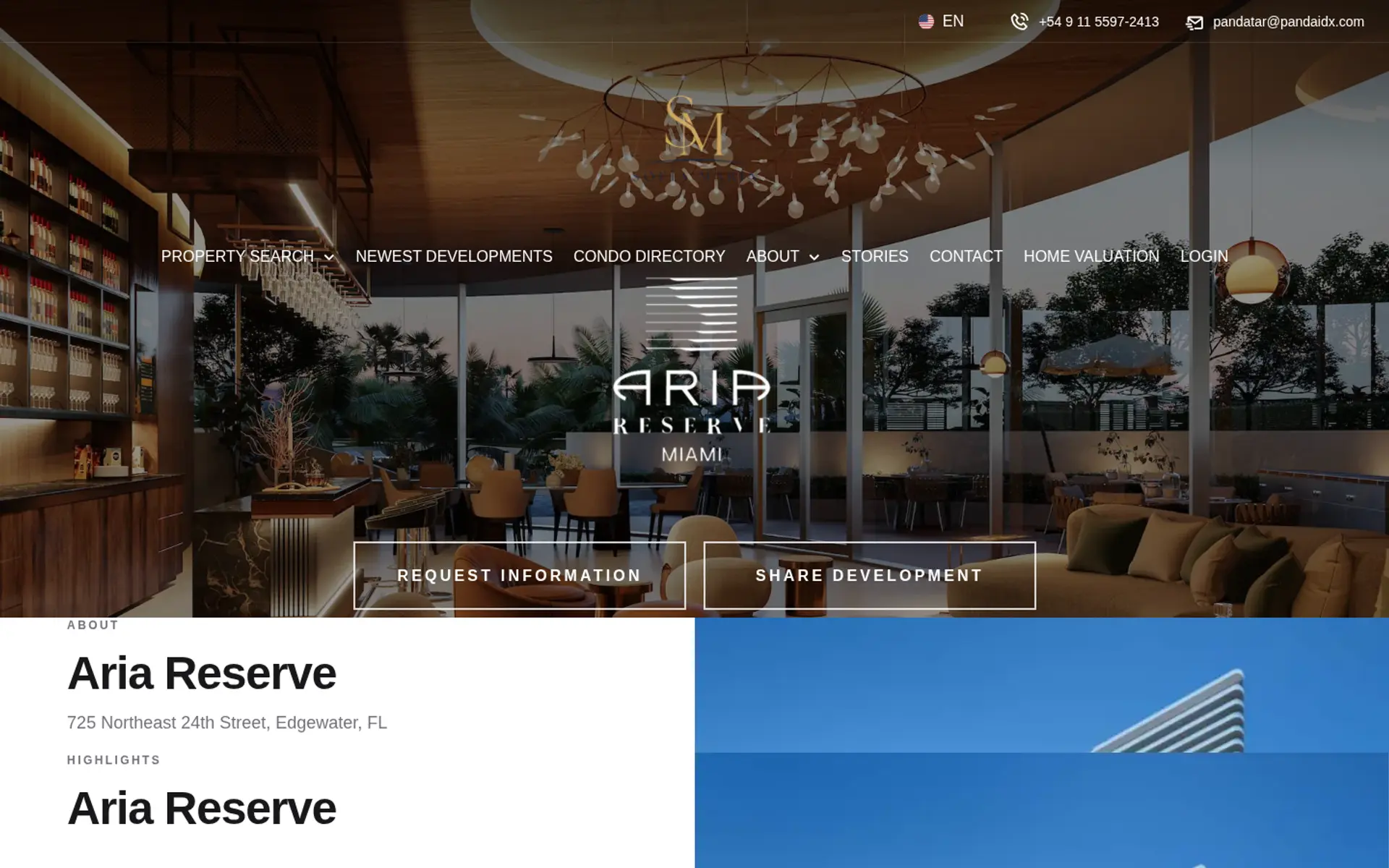
The Project Page Buyers Expect
Each development has a page with a photo gallery, a description, the brochure and a video when available, and the specifications: asking prices, unit sizes, number of units, developer and architect. Amenities are listed in full. Floor plans are on the page, and so is the deposit schedule, which is usually the first thing an investor asks about.
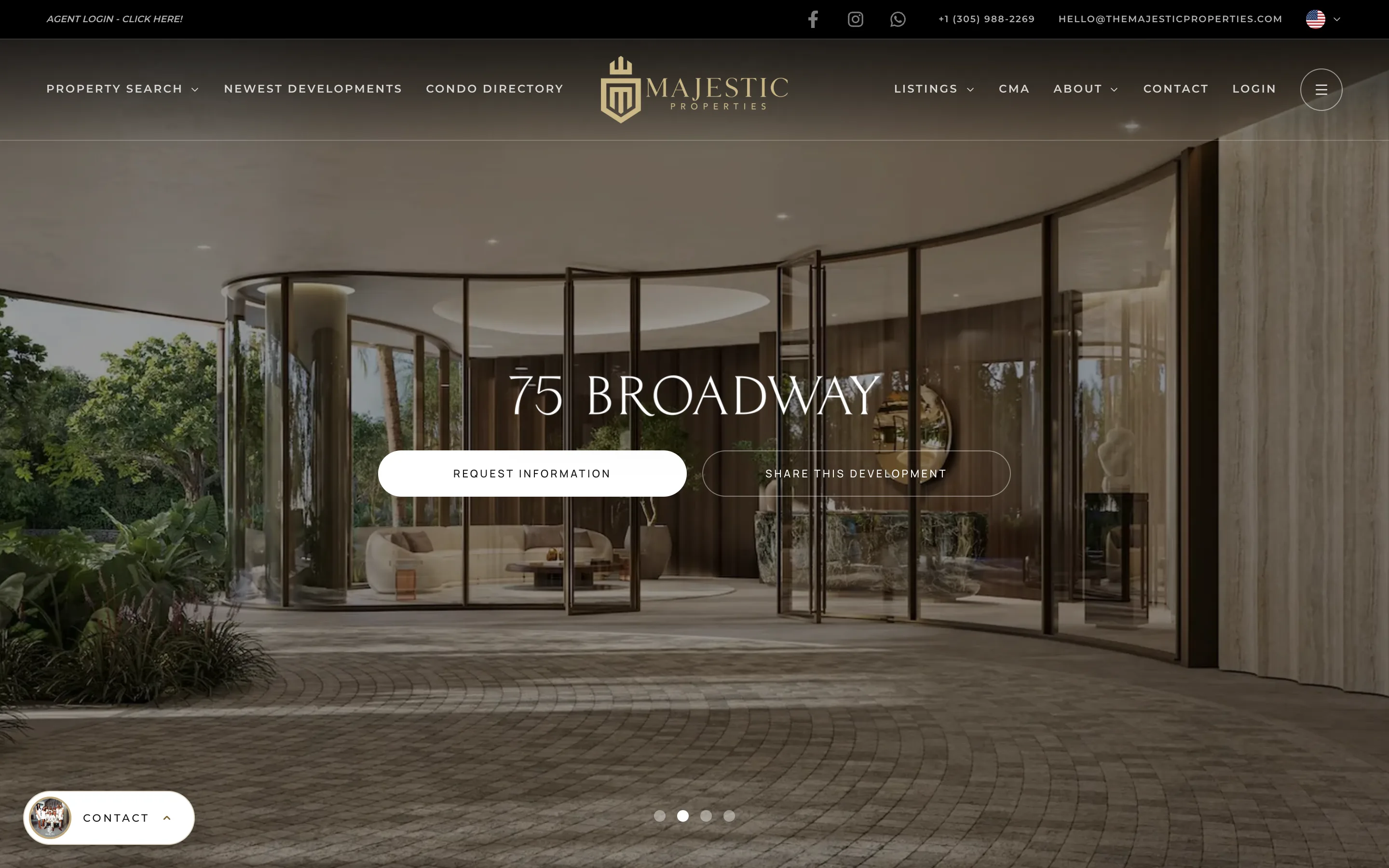
Inquiries Go to You, Not the Sales Center
The lead form on a project page belongs to your website. When someone asks for pricing or a presentation, the inquiry goes to you and is saved as a contact in your CRM, never to the developer’s sales team. You decide how to follow up and which projects to recommend. You can also edit that form, so it asks what you need to know: budget, timeline, whether they are buying to live or to invest.
Resales Next to New Inventory
When a building is delivered and units start to trade, the resale listings from your MLS appear on the same project page. A buyer comparing developer inventory with a resale on the 30th floor sees both without leaving your site, and the page stays useful after the sales center closes.
Feature the Projects You Sell
Pick the developments you represent and feature them on your homepage, with a photo slider, price range and a link to the full directory. In the CRM, the New Developments pipeline template tracks these buyers through the stages that apply to pre-construction: Presentation / Tour, Reservation / Deposit and Contract Signed.
Frequently Asked Questions
Add Pre-Construction to Your Website
See the New Developments directory on a live Panda website.