
Real Estate Lead Tracking From First Search to First Call
Know what each lead is looking at on your website, hear about it when they get serious, and make sure someone on your team owns the follow-up.
The Website Fills In the Contact for You
A lead who registered on a portal is a name and a phone number. A lead who registered on your Panda website arrives with context: the searches they ran, the listings they opened, the homes they liked, the collections they built and the searches they saved. It is all on the contact, in order, so your first call can start with “I saw you have been looking at three-bedrooms in Coconut Grove.”
One Timeline per Person
Open a contact and you get tabs for Overview, Activity, Saved and Collections, next to their notes, tasks, deals and documents. Activity lists website behavior: property searches, listings and buildings opened, areas viewed, likes, shares and saved searches. It also holds what you did: notes, logged calls, emails and appointments. You can log a call with its date, direction and result, write a note, create a task or book an appointment without leaving the contact.
Alerts When a Lead Heats Up
Panda marks a contact as a hot lead when their behavior changes: they open the same listing three times in one visit, look at five or more listings in one visit, come back after two weeks or more away, or save a home or a search after browsing several listings. You get an email that says who it is and why, with a link to the contact. There is at most one alert per contact per day, so a busy visitor does not flood your inbox.
New Leads Shared in Turns
On a team, the worst outcome is a lead nobody claims. Turn on “Share new leads in turns” and each new website lead is assigned to the next person in line, among the members you select (site owners and admins can own leads). In the contact list you can filter by owner, see your own leads or find the ones with no owner. Leads are spread evenly, and everyone knows which ones are theirs.
A Follow-Up Plan for Every New Lead
Speed matters most in the first week. The Follow-up Plan creates tasks for the lead’s owner as soon as a website lead arrives. The default plan is a call the same day, a reminder to text a few homes the next day, a market update email on day three and a check-in on day seven. Edit the steps, add up to ten and schedule them as far as ninety days out. The tasks show up in Tasks and on the calendar with the lead’s name already in the title.
Keep the List Clean
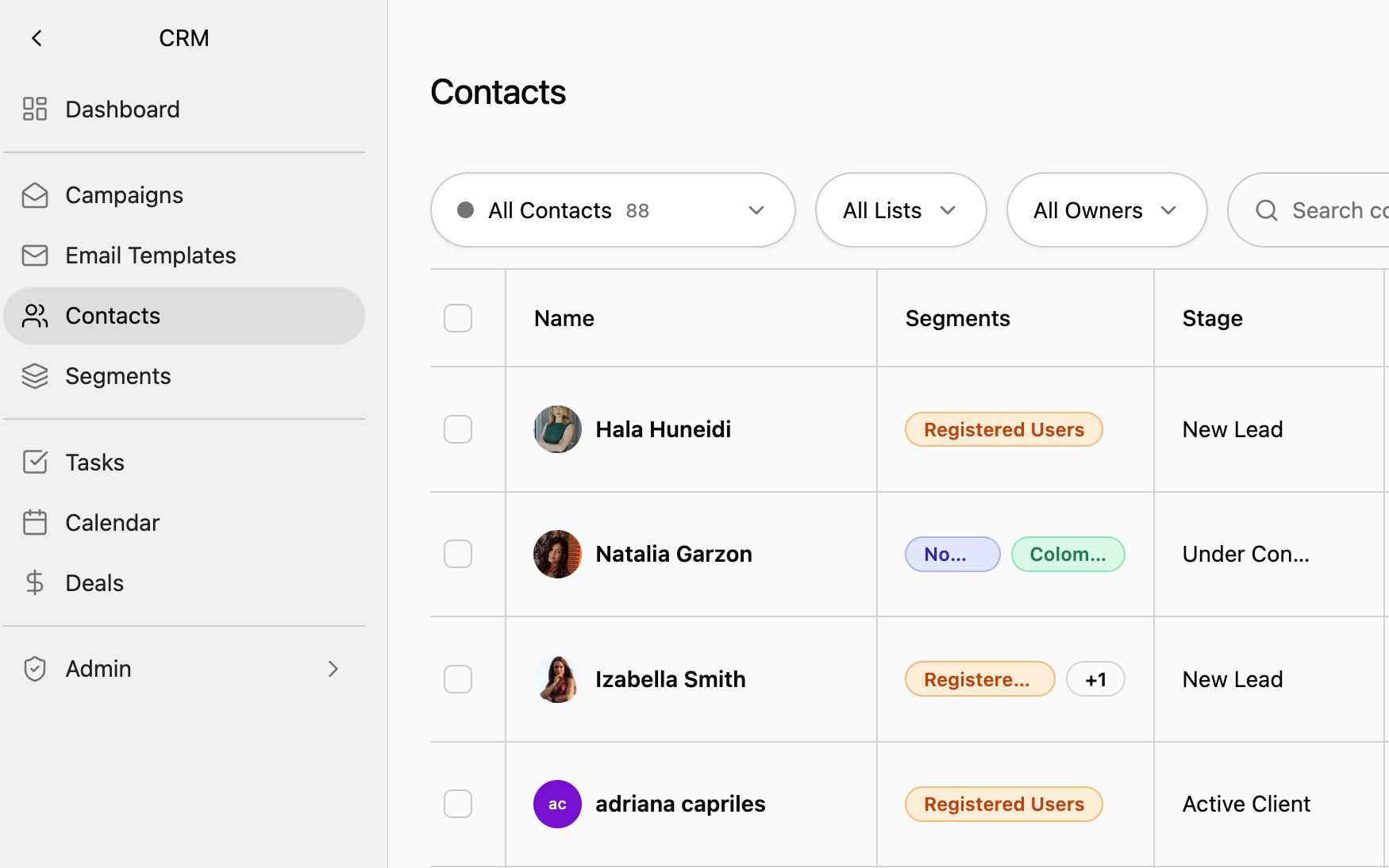
Group contacts into segments such as buyers, sellers, investors or past clients, and use those segments as campaign audiences. Import a spreadsheet and let AI match its columns to contact fields. Merge duplicates, and export whenever you need the data elsewhere.
Frequently Asked Questions
Stop Guessing Which Lead to Call First
See a contact timeline filled in by a real website visit.