A Condo Directory With Every Building on Its Own Page
Condo buyers shop by building. Give them a directory where each tower has its photos, amenities, sales stats and the units available right now.
Browse by Area, Then by Building
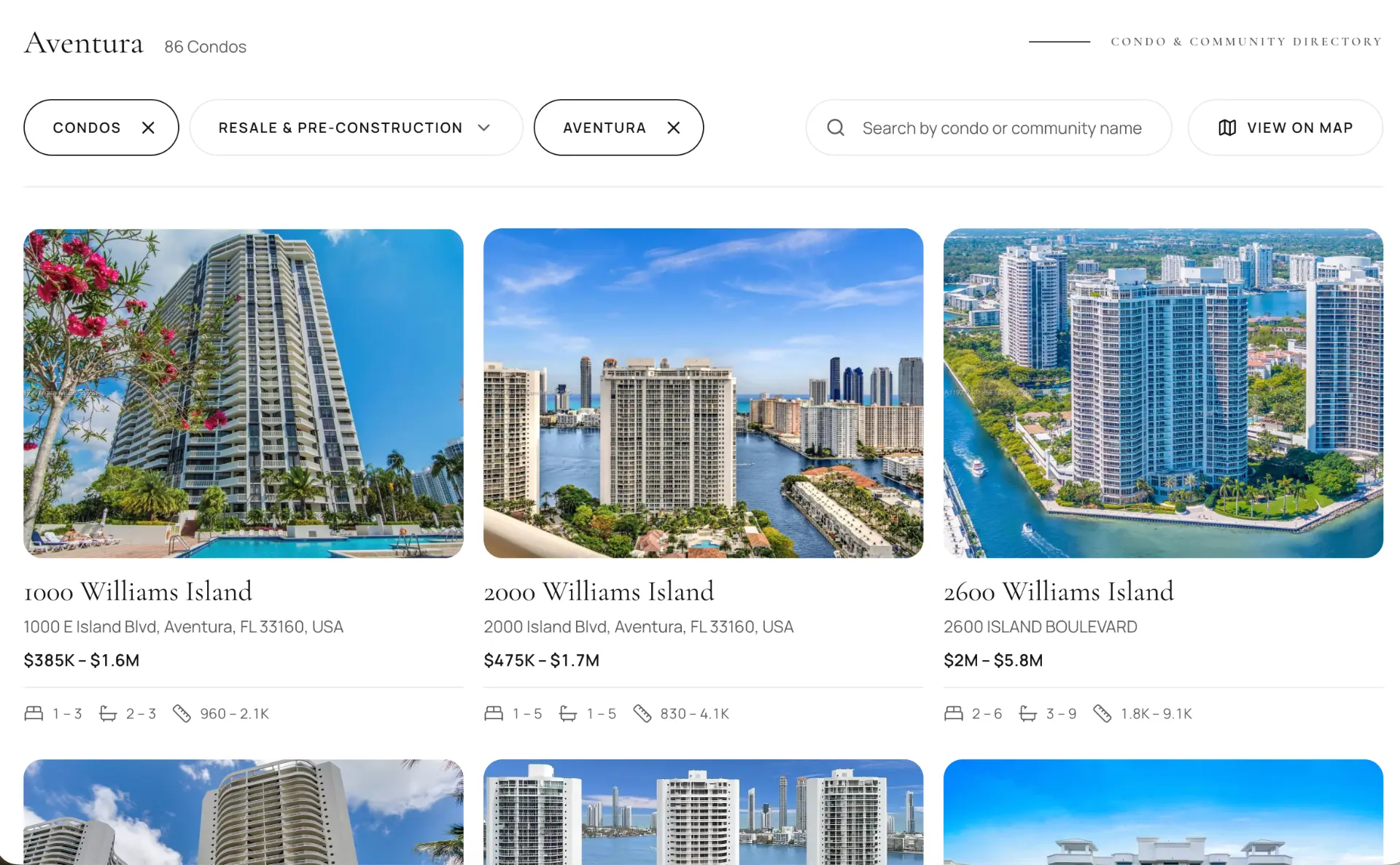
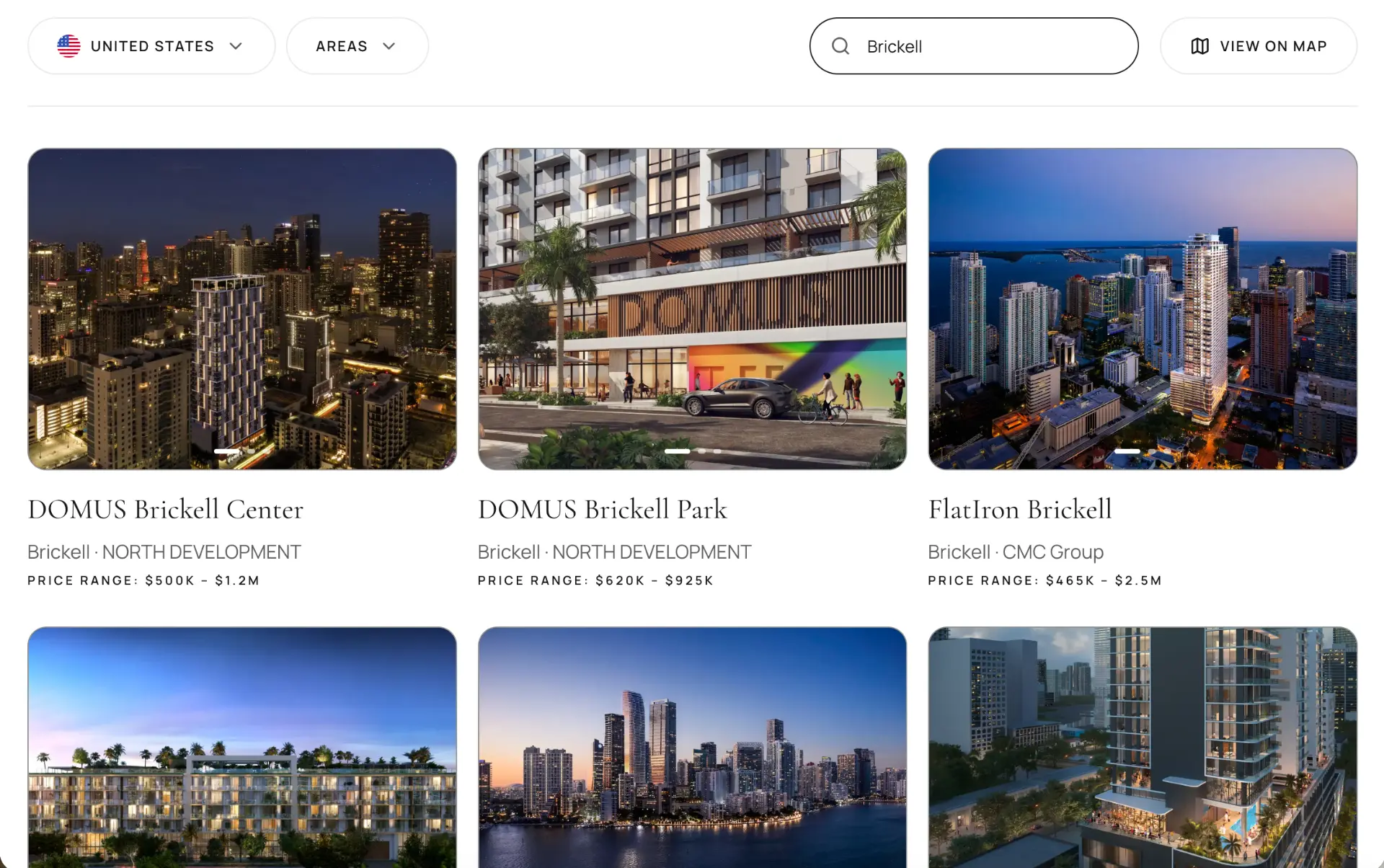
The directory opens with your areas in rows, each with its buildings as cards that show a live price range and how many units are for sale and for rent. A visitor can pick an area, search a building by name, switch between sale and rental inventory, sort the results and open the map to see where each building sits.
A Page for Every Building
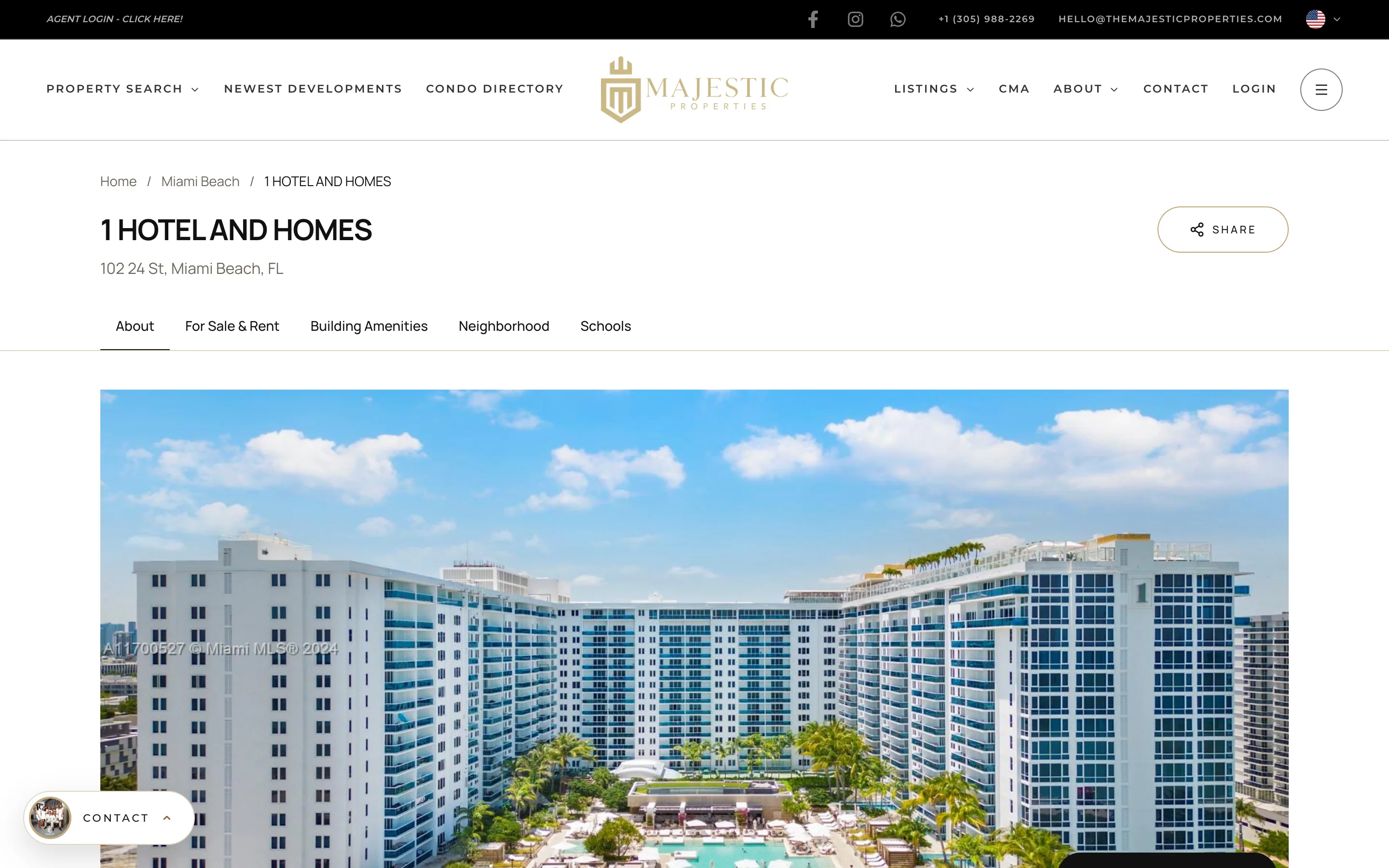
Each building page has a photo gallery, a description, the facts buyers ask about (year built, stories, total units), the amenities, and sales statistics. Below that are the listings inside the building, split into for sale, for rent and sold, as regular listing cards a visitor can like, add to a collection or open. A map shows the location, and a lead form sits on the page so the question “is this unit still available?” reaches you.
Area Pages That Explain the Neighborhood
Every area has its own page with a description, market counters, price statistics, walk, transit and bike scores, an outline of the area on the map and all of its buildings. It is the page you send to a client who is relocating and asks “what is Edgewater like?” and it is a page that can rank for that neighborhood’s condo searches.
Filters Made for Condos
A single-family search asks about lot size. A condo search asks about the building. The directory filters by price range, beds and baths, property type, views and waterfront, year built, number of stories and total units. Someone who wants a boutique building from the last ten years with a bay view can get to a short list in three clicks.
Put Your Buildings on Your Homepage
Group buildings into libraries and place them on your homepage or any page: the towers you specialize in, a waterfront collection, new buildings in one neighborhood. The directory comes with seven display templates, including grid, carousel, featured and showcase layouts, so the section matches the rest of your site.
Building Interest Shows Up in Your CRM
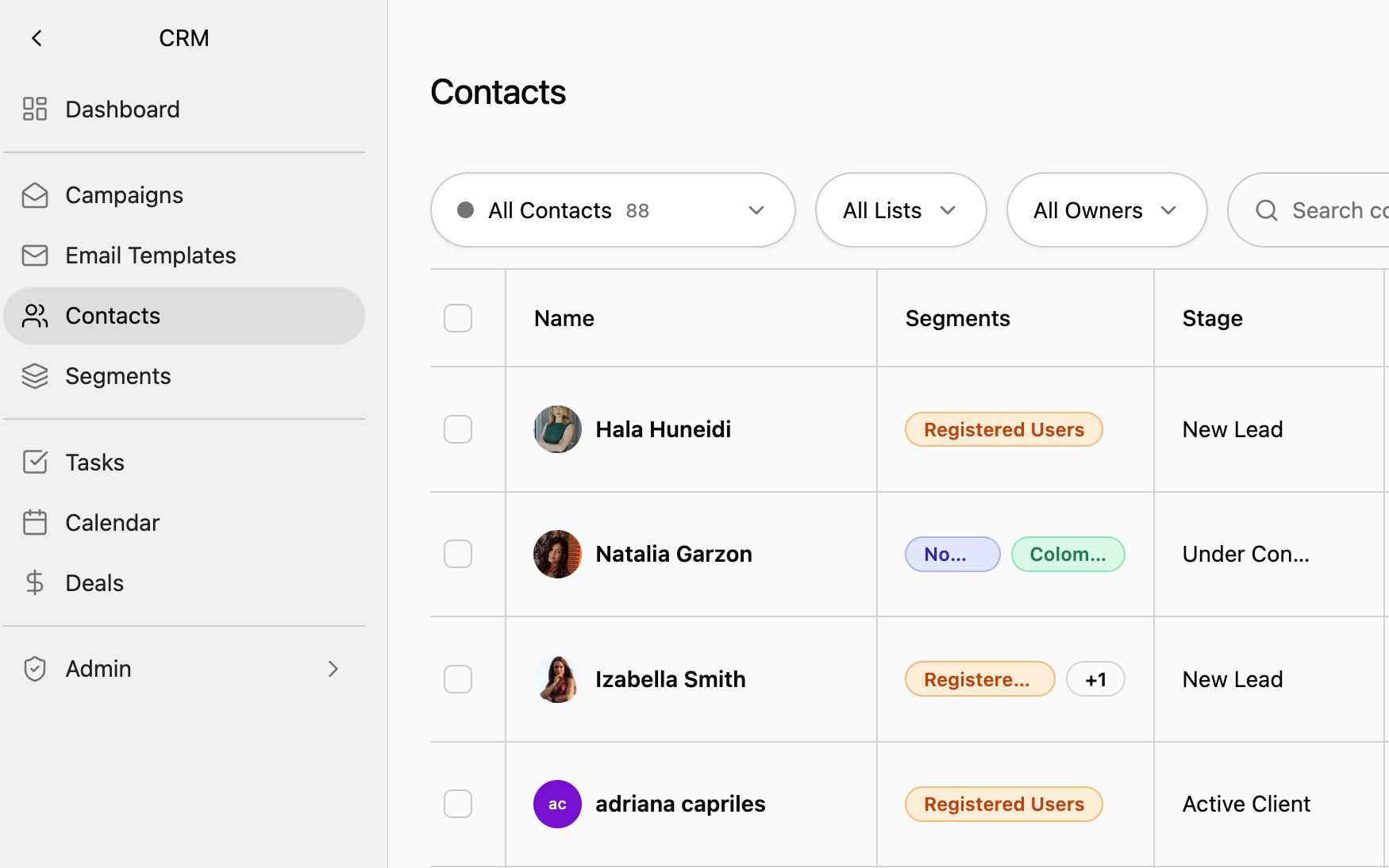
When a signed-in visitor opens a building or an area, searches the directory or likes a unit, it is recorded on their contact. You can see that a buyer keeps returning to the same two buildings before you call them.