
Real Estate Lead Capture That Runs on Your Own Website
Forms you design, popups that appear at the right moment, and a sign-up that turns anonymous visitors into contacts with a search history.
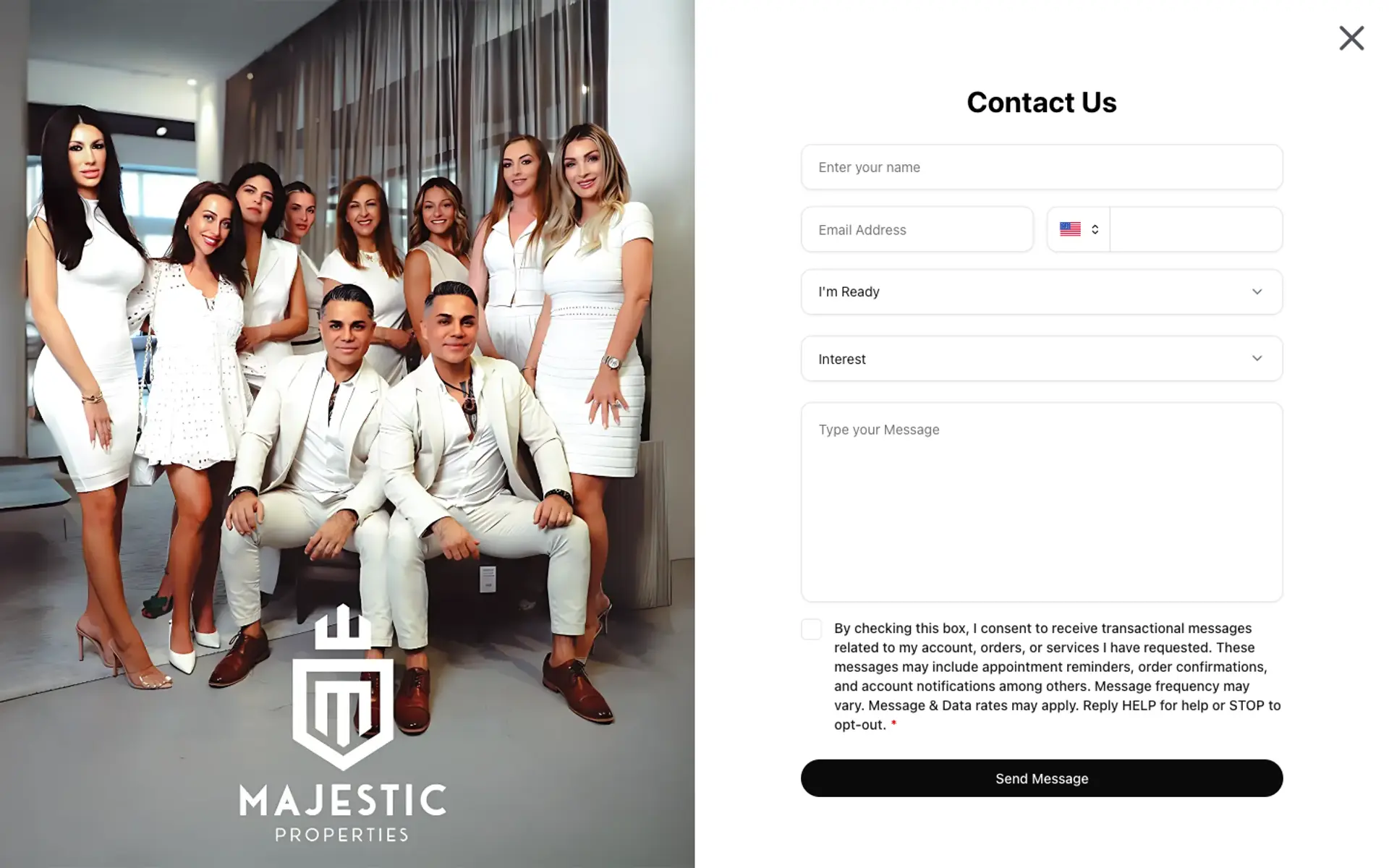
Three Ways a Visitor Becomes a Lead
A visitor fills in a form: contact, showing request, home valuation or a project inquiry. A visitor answers a popup. Or a visitor signs up to save a home or a search. All three create the same thing: a contact in your CRM with a source, plus a notification to you. You manage all of it from your dashboard, without code and without a third-party form tool.
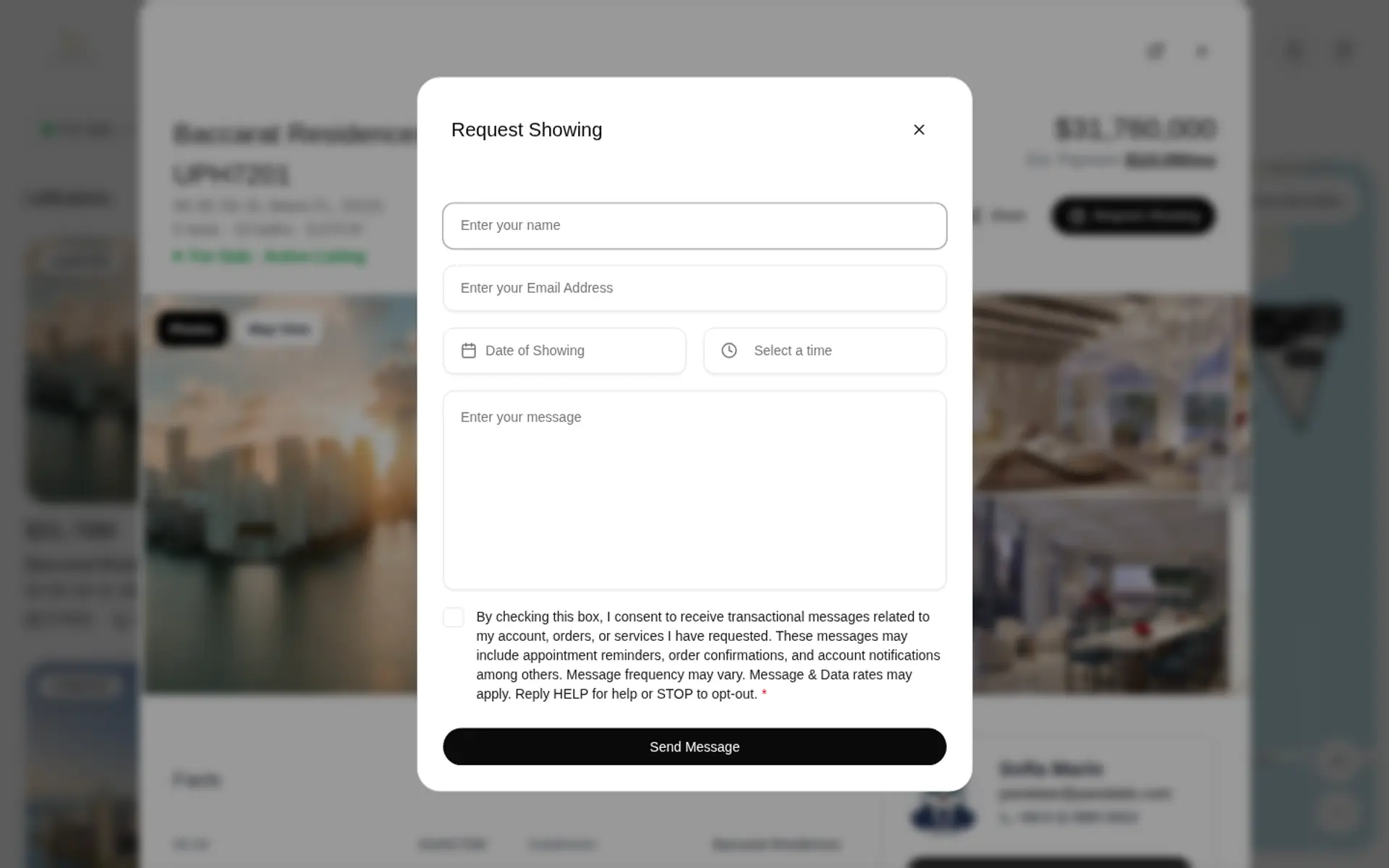
Forms You Build Yourself
Start from a template (Contact, Request Showing, Home Valuation, New Development) or from a blank form. Add text, email, phone, dropdown, checkbox, date, time and long-text fields, mark the required ones and put them in the order you want. Then assign the form to a spot on your website: the contact page, the valuation page, the showing request on listings, project pages, the newsletter sign-up or the careers page. After someone submits, show a thank-you message, send them to another page or give them a document to download.
Popups With Rules
A popup can hold any of your forms, the sign-up form or the login screen. You choose the pages where it appears: the homepage, every page, listing pages only or exact addresses. You choose the trigger: after a delay of up to 60 seconds, at a scroll depth, on exit intent, or after a visitor has opened a set number of listings. And you choose the frequency: always, once per session or once ever. Popups can be made non-dismissable when you want sign-up before someone keeps browsing listings.
Sign-Up That Feels Like a Feature
Visitors create an account to keep what they find: liked homes, collections and saved searches with email updates. They sign up with email and password or continue with Google, and give their phone number with consent. For you, that account is a contact whose activity you can follow in the CRM, which is worth more than a name and an email from a generic “contact us” box.
Where the Lead Goes Next
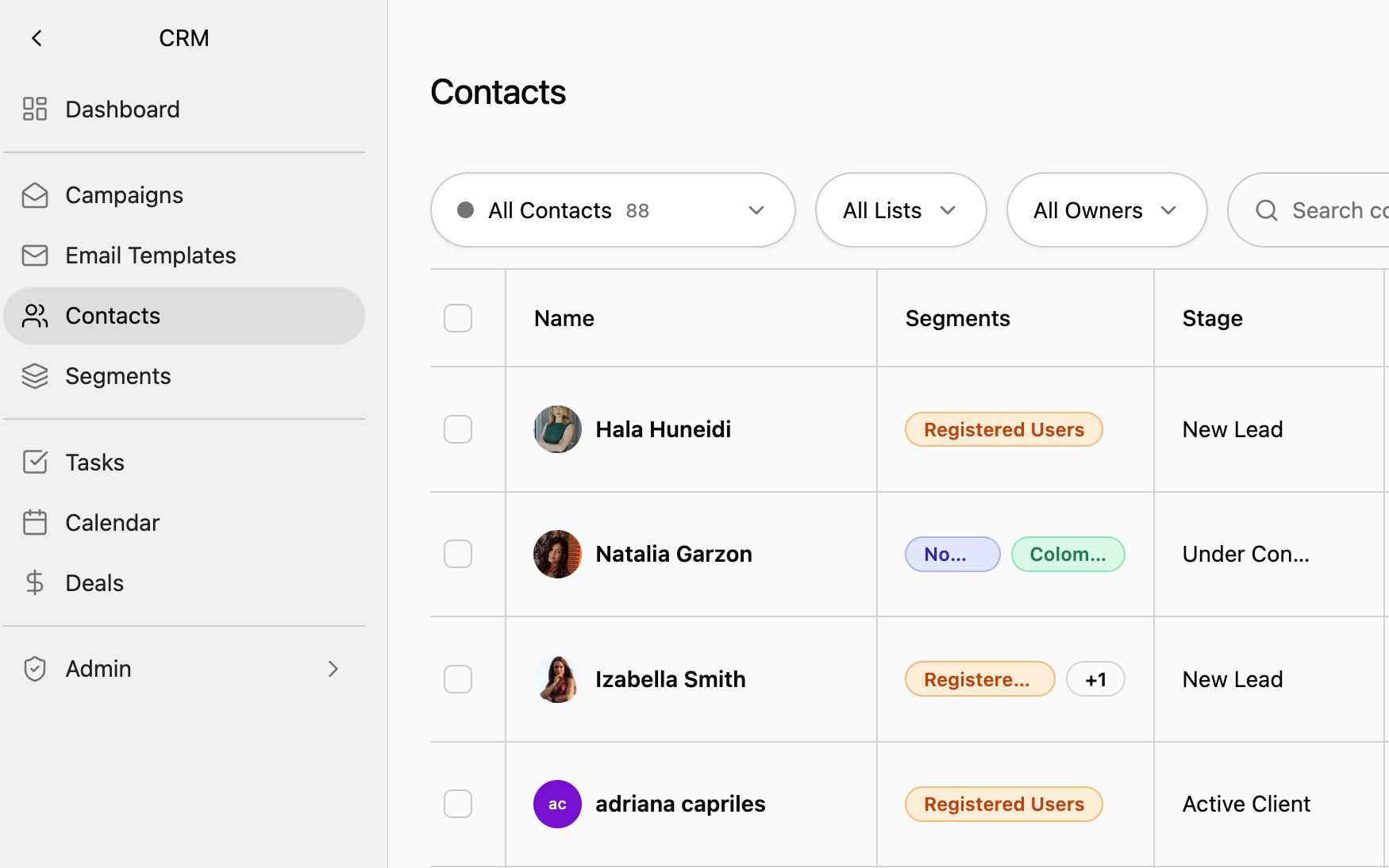
Each submission lands in your CRM as a contact and triggers a notification. With lead routing on, new leads are shared in turns among the owners and admins you choose, and a follow-up plan can create the first tasks automatically. If you use another system, an outbound webhook sends every new lead to it. You can add up to five endpoints, each request is signed, and it works with Zapier, Make and n8n.
Know Which Popup Works
Analytics counts conversions per popup and per form, next to page views and visitors, and breaks them down by source and UTM campaign. You can see that the valuation popup on your blog converts and the one on your homepage does not, and change it the same day.
Frequently Asked Questions
Turn More of Your Visitors Into Contacts
See forms and popups on a live Panda website.