
Learn the Panda CRM
12 short video lessons, about 19 minutes in all. Watch them in order, and each one is checked off when you finish it.
Lesson 1 of 12
Open the lesson pageA Tour of the CRM
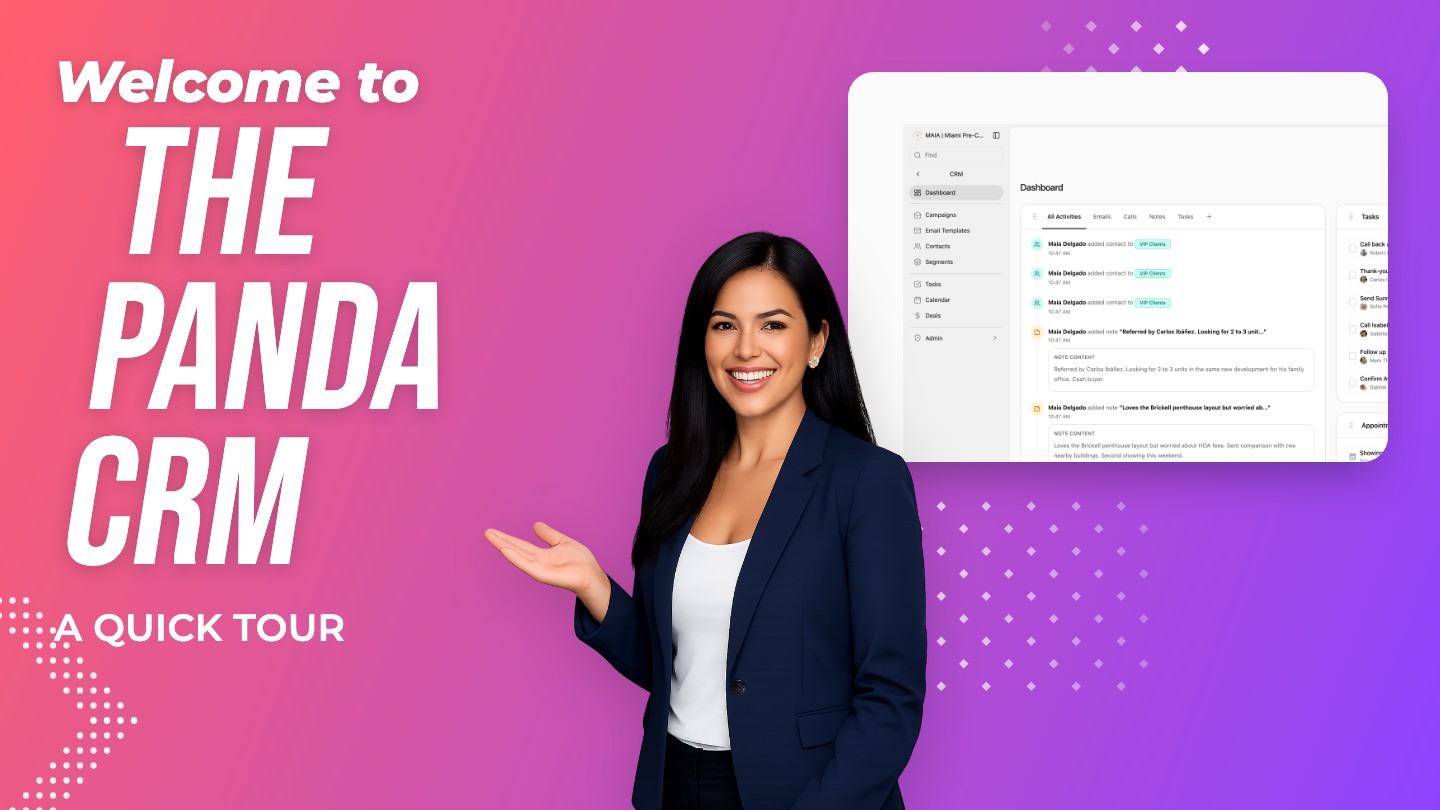
Find your way around the Panda CRM: the menu, the Dashboard, contacts, segments, campaigns, tasks, calendar and deals.
- 01Open CRM from the main menu.
- 02Learn the three groups in the CRM menu: Dashboard, marketing tools, and daily work.
- 03Click through each section to see what it does.
- 04Press Command K, or click Find, to jump to any page.
Read Along, One Lesson at a Time
Each lesson also has its own page with the steps written out.
 Duration 2:00
CRM
A Tour of the CRM
Find your way around the Panda CRM: the menu, the Dashboard, contacts, segments, campaigns, tasks, calendar and deals.
 Duration 1:36
CRM
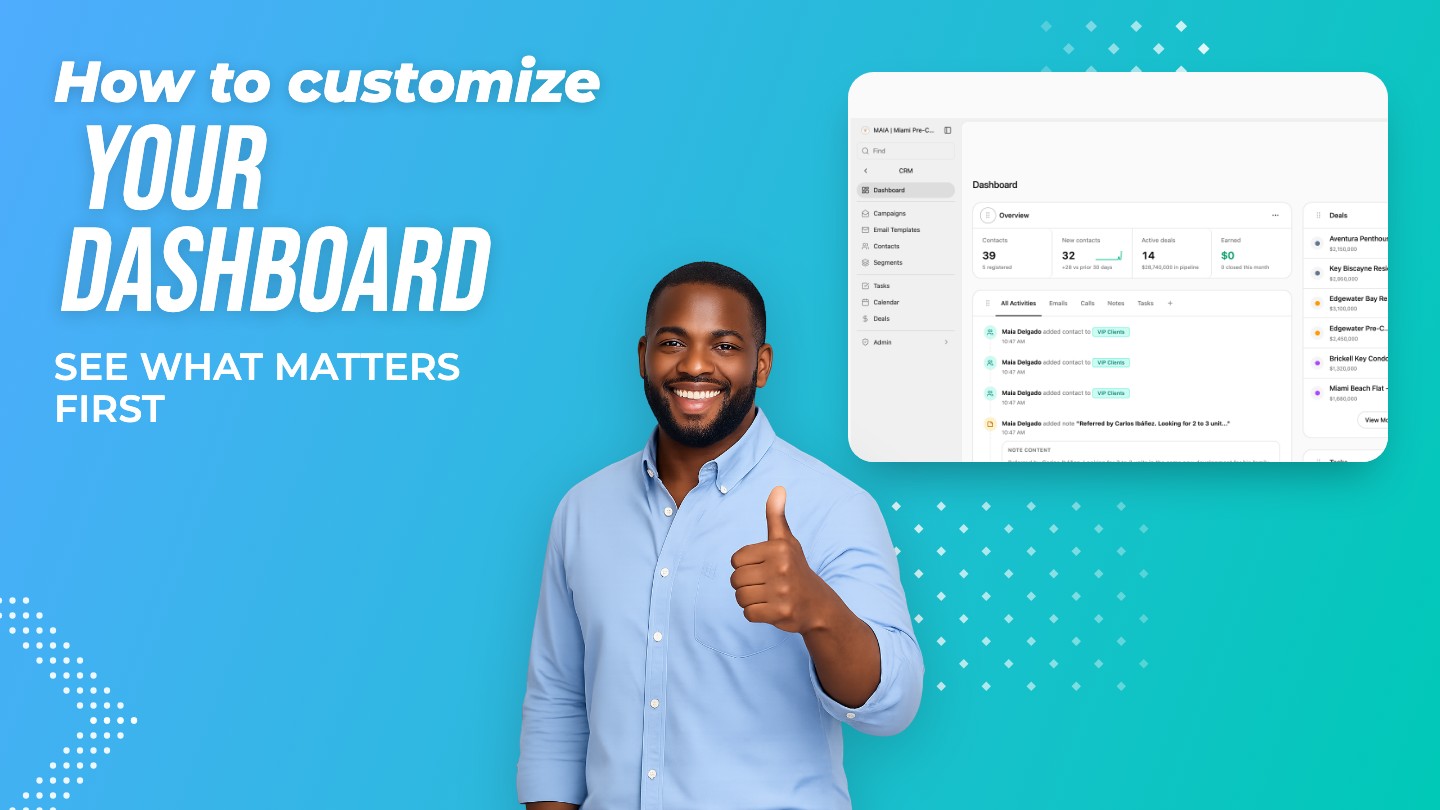
Make the Dashboard Your Own
Choose the widgets on your CRM Dashboard, arrange them in the wide or side column, and hide what you don't need.
 Duration 1:37
CRM
Your Contacts List
Add contacts, search, and filter your list by segment or smart list to find anyone in seconds.
 Duration 1:45
CRM
Inside a Contact
Everything on a contact's profile: details, timeline, notes, call logs, website activity and connected records.
 Duration 1:42
CRM
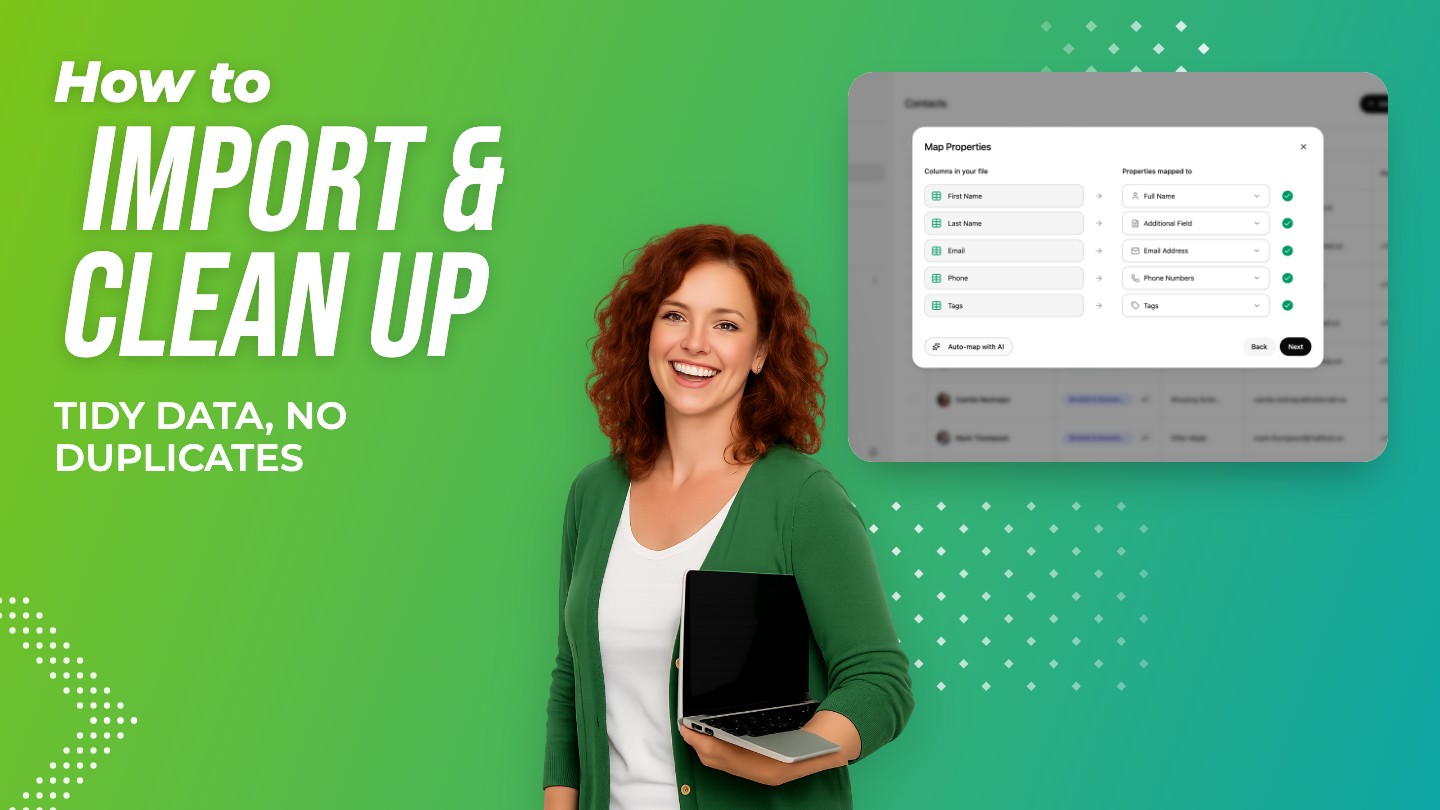
Import, Organize and Clean Up
Import a CSV of contacts with AI column mapping, update many contacts at once, and merge duplicates.
 Duration 1:14
CRM
Leads on Autopilot
Turn on a follow-up plan so every new website lead gets call, text and email tasks automatically.
 Duration 1:29
CRM
Segments
Group contacts with dynamic rules or by hand, and use segments to filter your list and send campaigns.
 Duration 1:37
CRM
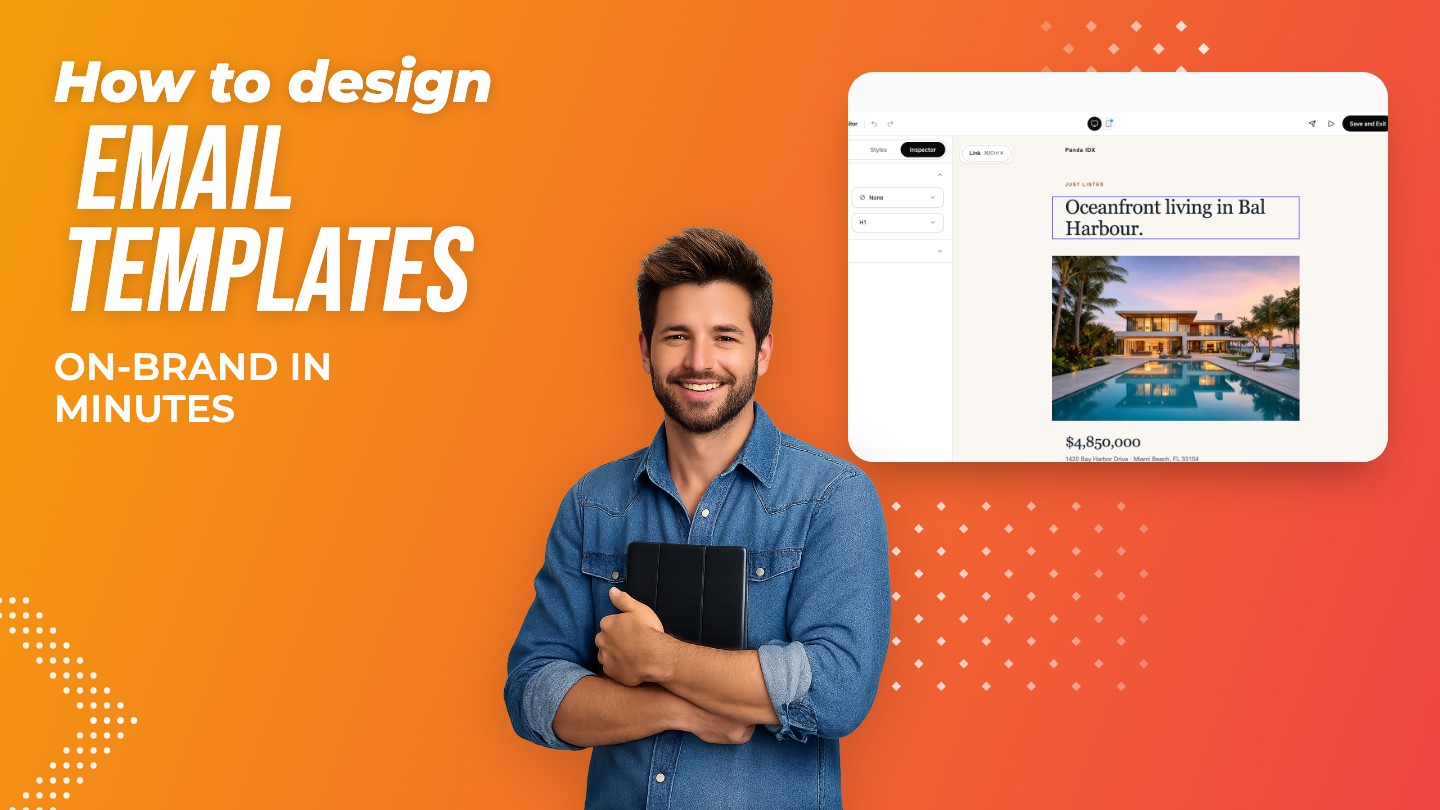
Email Templates
Design branded emails from ready-made real estate templates, edit blocks and styles, and preview on mobile.
 Duration 1:30
CRM
Create and Send a Campaign
Create an email campaign, choose its audience by segment, and send it now or on a schedule.
 Duration 1:22
CRM
Campaign Results
Read your campaign report: deliveries, opens, clicks, top links, and what every recipient did.
 Duration 1:26
CRM
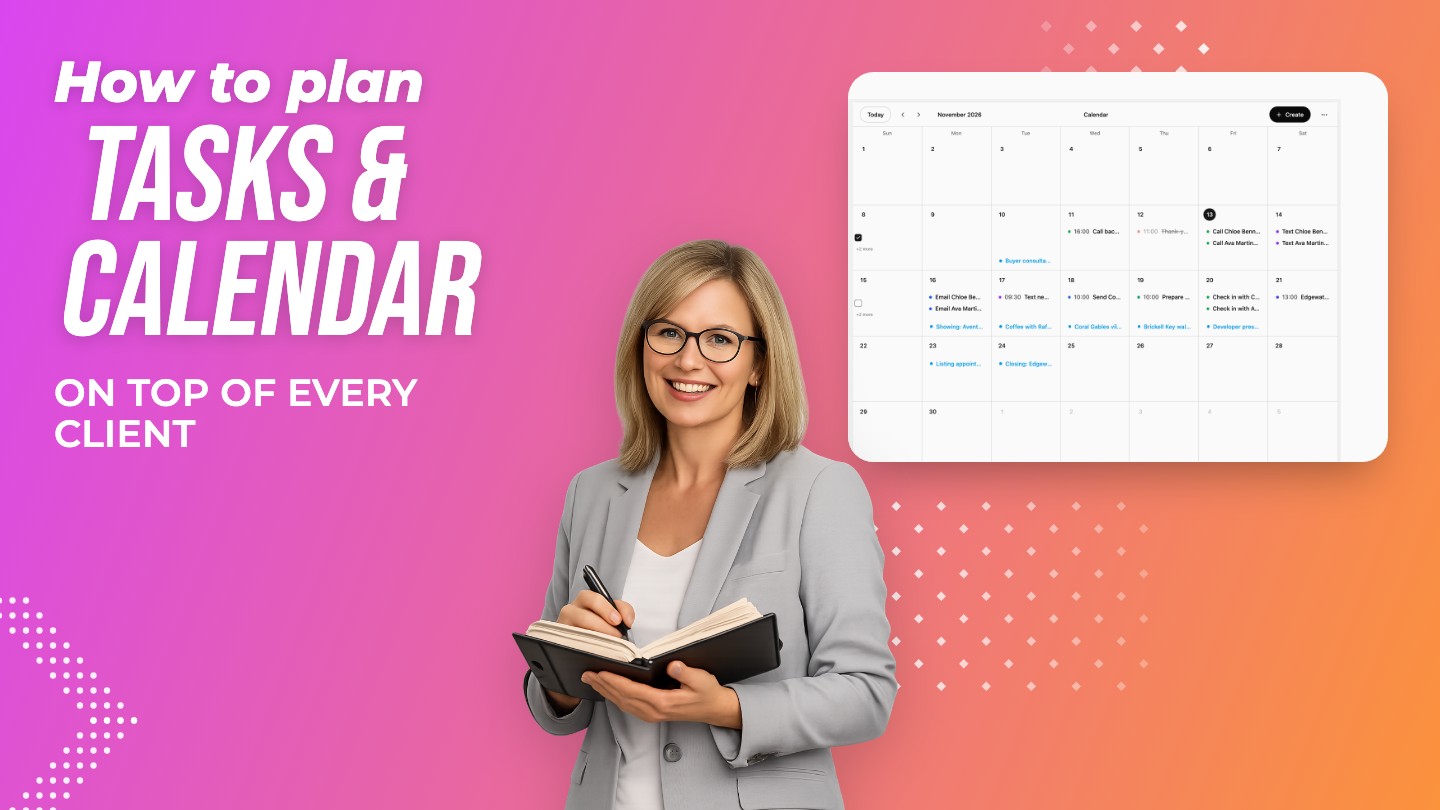
Tasks and Calendar
Manage your follow-ups in Tasks and your appointments in Calendar, and sync or share your calendar.
 Duration 1:33
CRM
Deals and Pipelines
Track every transaction on a drag-and-drop board, manage deal details, stages and multiple pipelines.
See Your Leads the Way Panda Shows Them
Start today, or see it first with someone from our Miami team.