
Learn the Panda CRM · Lesson 10 of 12
Campaign Results
Read your campaign report: deliveries, opens, clicks, top links, and what every recipient did.
Published · 1:22
Put the Walkthrough into Practice
- 01Open the Sent tab and click View report.
- 02Check recipients, delivered, opened and clicked at the top.
- 03Review the summary rates and the top links clicked.
- 04Filter recipients by who clicked, open Details, and export the list.
Connect This Lesson to Your Website
Use this recording alongside your own dashboard and the current documentation. Check the result as a visitor before sharing it with clients. The interface may evolve after the recording.
Panda Academy
All videos and tutorialsContinue Learning
 Duration 2:00
CRM
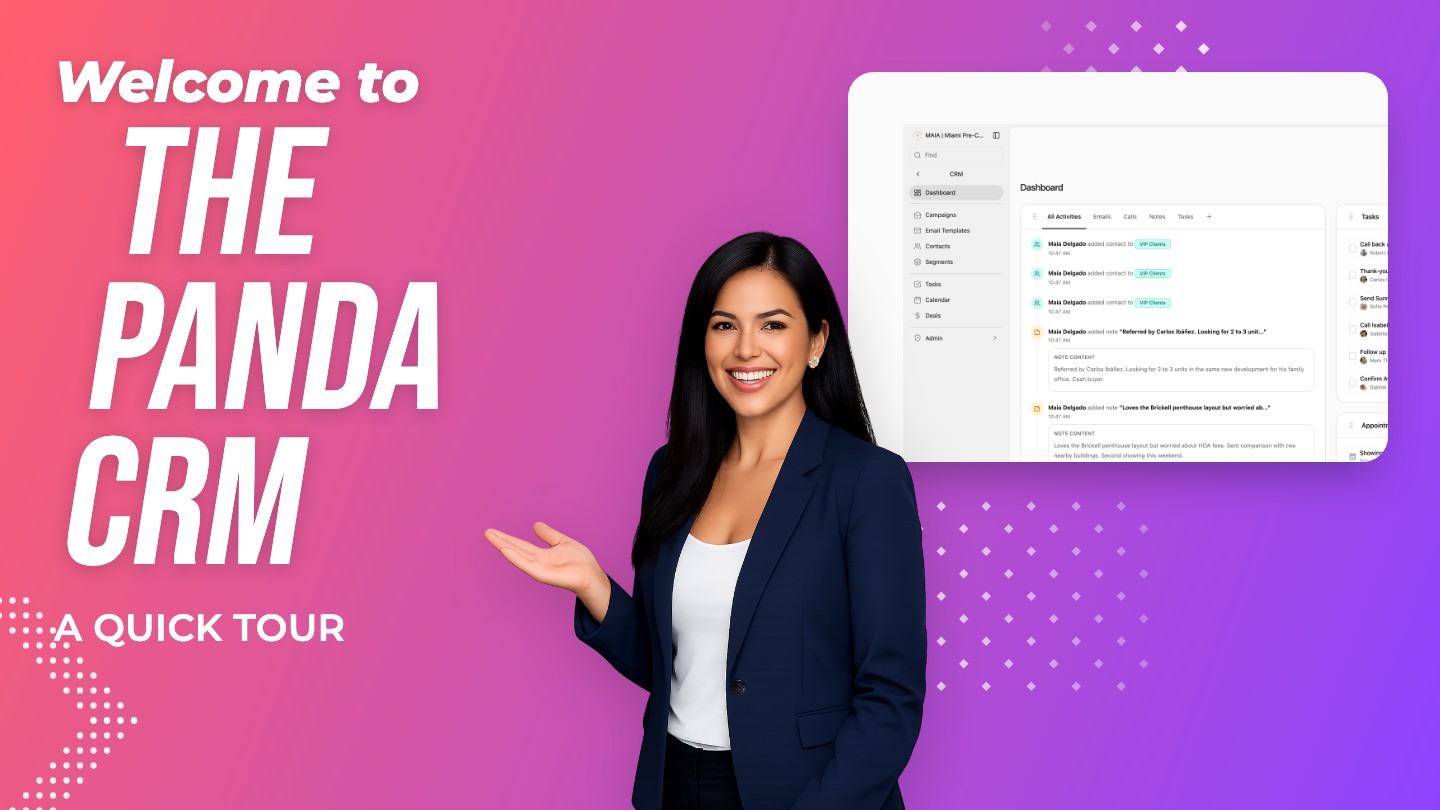
A Tour of the CRM
Find your way around the Panda CRM: the menu, the Dashboard, contacts, segments, campaigns, tasks, calendar and deals.
 Duration 1:36
CRM
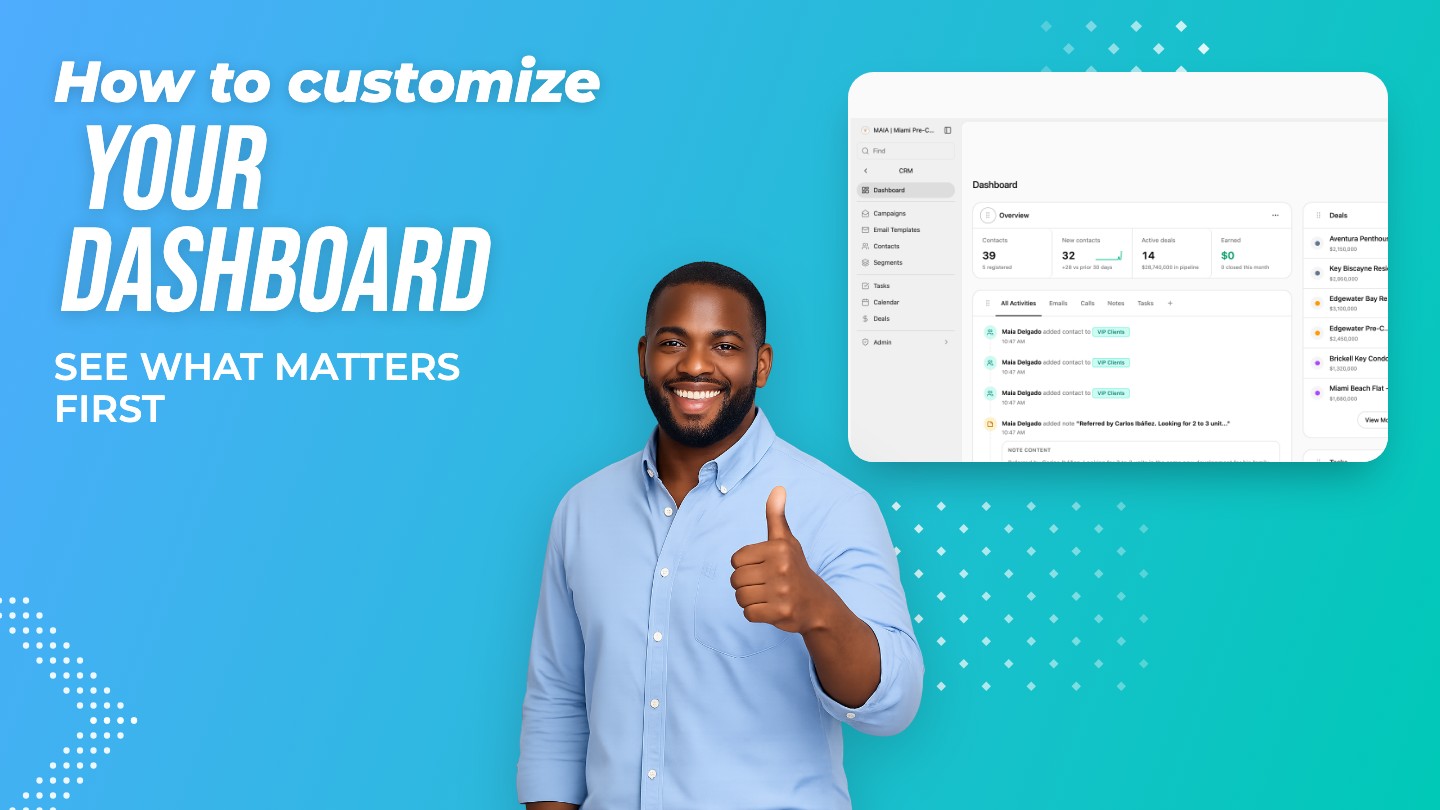
Make the Dashboard Your Own
Choose the widgets on your CRM Dashboard, arrange them in the wide or side column, and hide what you don't need.
 Duration 1:37
CRM
Your Contacts List
Add contacts, search, and filter your list by segment or smart list to find anyone in seconds.
Keep Exploring
Where This Feature Lives
Real Estate CRMA real estate CRM that shows what each lead searched, viewed and saved on your website. Contacts, deals, campaigns and calendar for $49.99 a month.Learn moreLead Tracking & RoutingSee what every lead searched, viewed and saved on your website, get hot-lead alerts, and share new leads across your team in turns with Panda CRM.Learn moreEmail CampaignsReal estate email marketing inside your CRM: design an email, choose a segment, schedule it or repeat it weekly, and see opens, clicks and bounces.Learn more
See Your Leads the Way Panda Shows Them
Start today, or see it first with someone from our Miami team.