
Learn Panda Forms
10 short video lessons, about 13 minutes in all. Watch them in order, and each one is checked off when you finish it.
Lesson 1 of 10
Open the lesson pageMeet Panda Forms
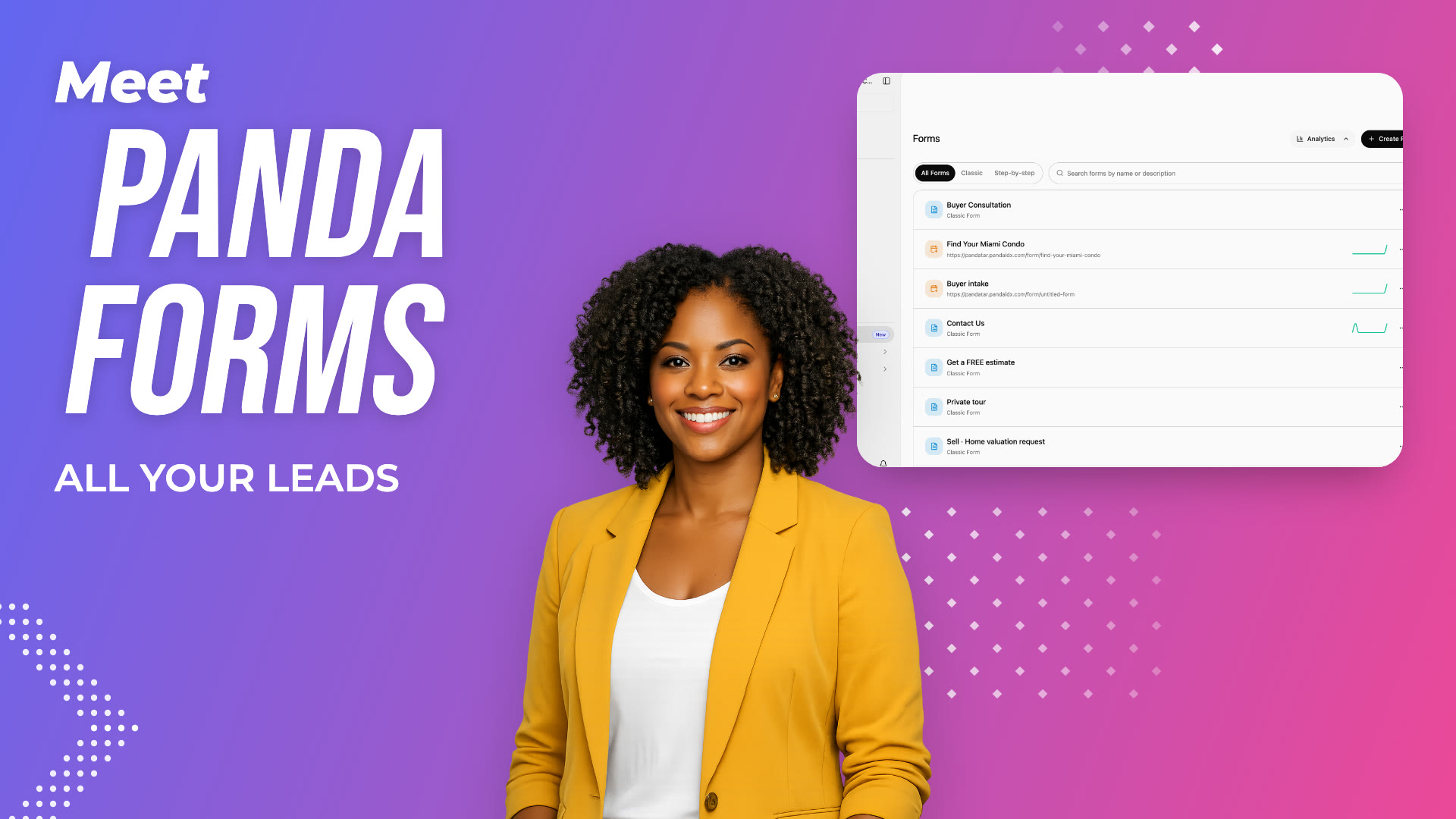
Where Forms lives, the two kinds of forms, and how to find, preview, duplicate and track every form.
- 01Open Forms from the sidebar.
- 02Classic forms show every field at once; step-by-step forms ask one question at a time on their own link.
- 03Filter with the Classic and Step-by-step tabs, or search by name.
- 04Click Analytics to see submissions and your top forms and pages.
Read Along, One Lesson at a Time
Each lesson also has its own page with the steps written out.
 Duration 1:20
Forms
Meet Panda Forms
Where Forms lives, the two kinds of forms, and how to find, preview, duplicate and track every form.
 Duration 1:30
Forms
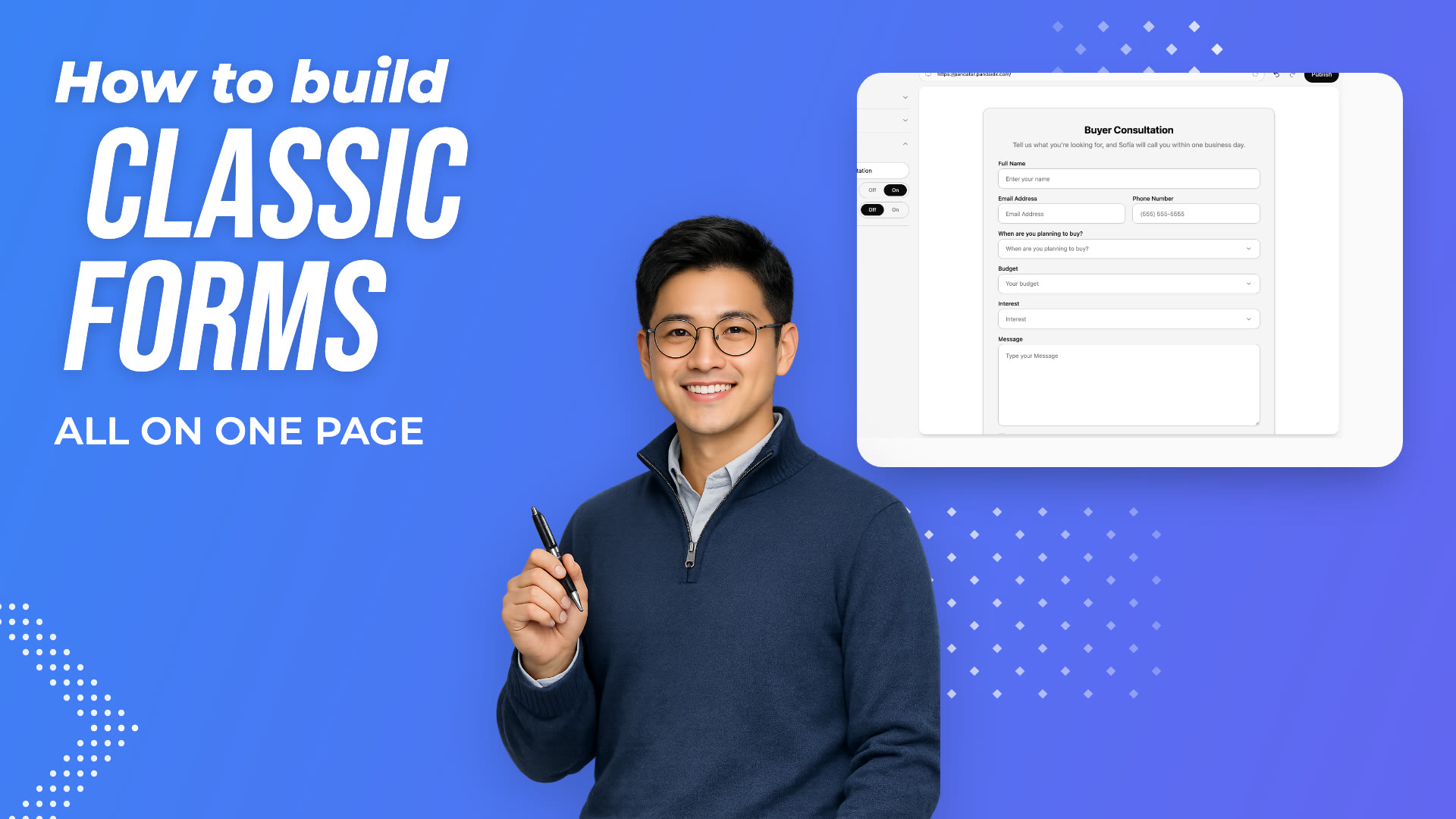
Build a Classic Form
Create a classic form, write its title, edit and add fields, and publish it.
 Duration 2:00
Forms
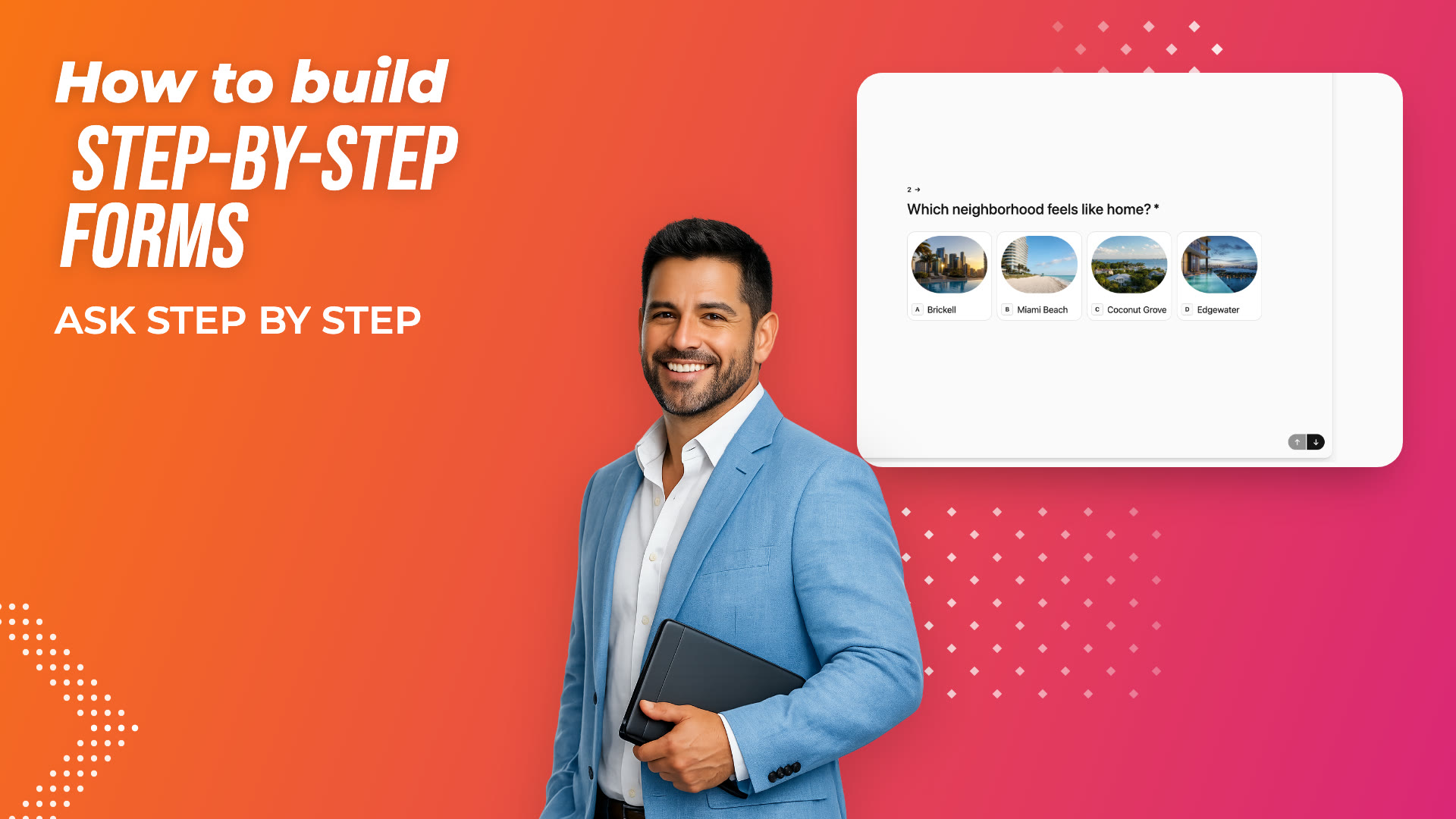
Build a Step-by-step Form
Build a form that asks one question at a time: welcome screen, picture choices, multiple choice, a date, contact info and an ending.
 Duration 1:34
Forms
Style and Share a Step-by-step Form
Give a step-by-step form its own look, publish it, and share its link.
 Duration 1:10
Forms
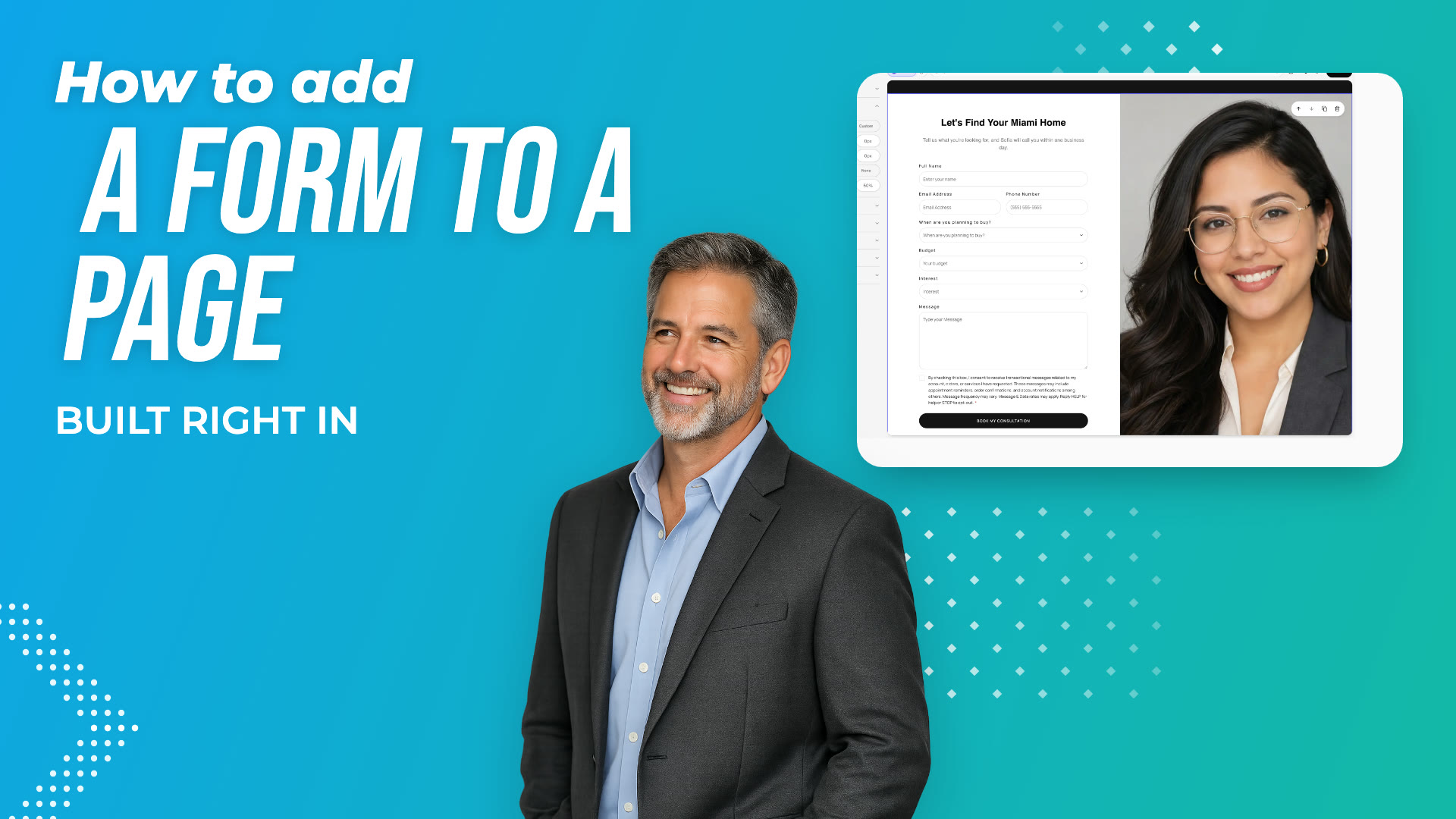
Add a Form to a Page
Add a Form section to any page of your website in Edit Site, and publish it.
 Duration 1:10
Forms
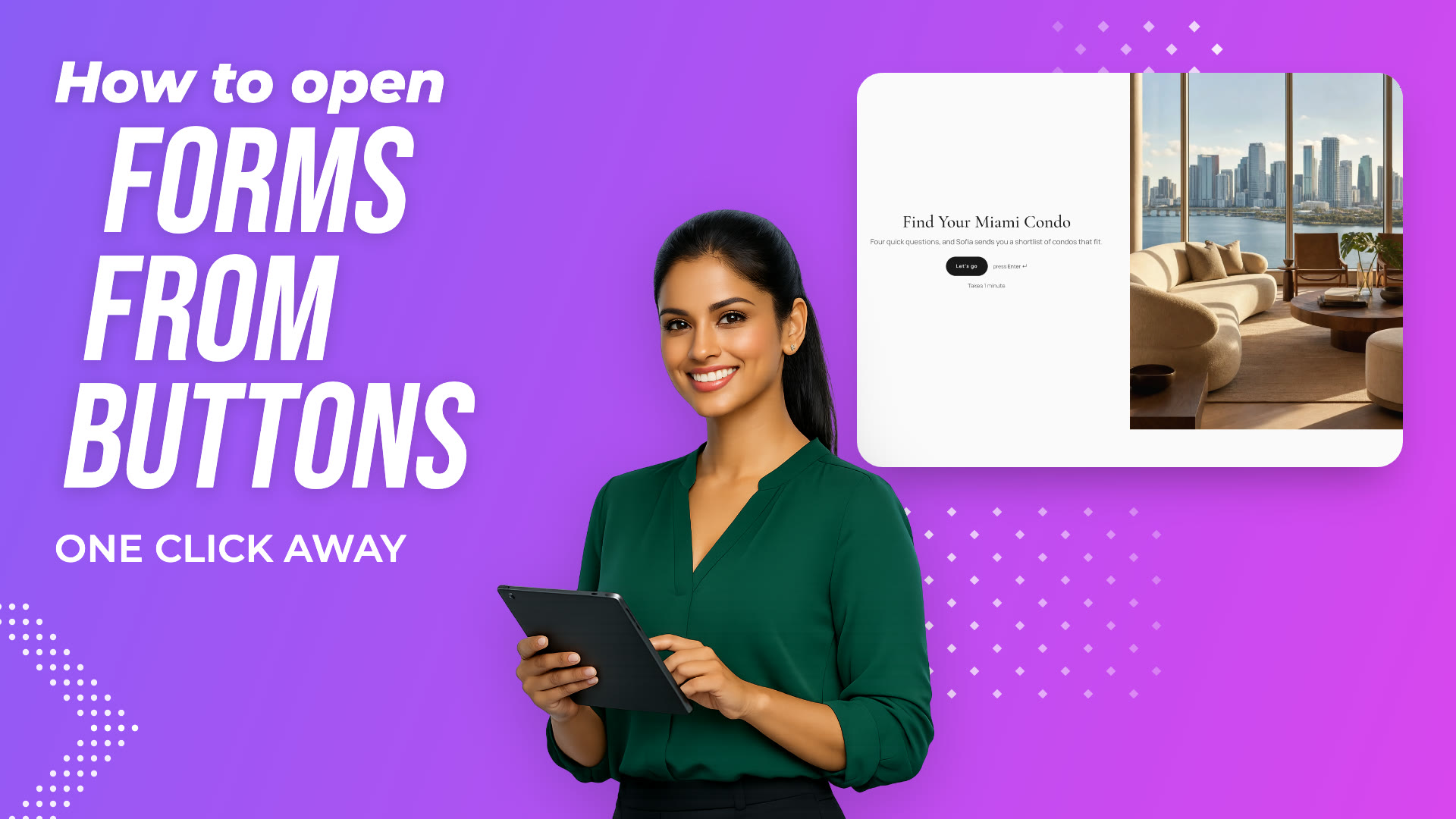
Open a Form from a Button
Make any button on your website open one of your forms.
 Duration 0:53
Forms
Add a Form to Your Menu
Add a link to your website's menu that opens a form.
 Duration 1:09
Forms
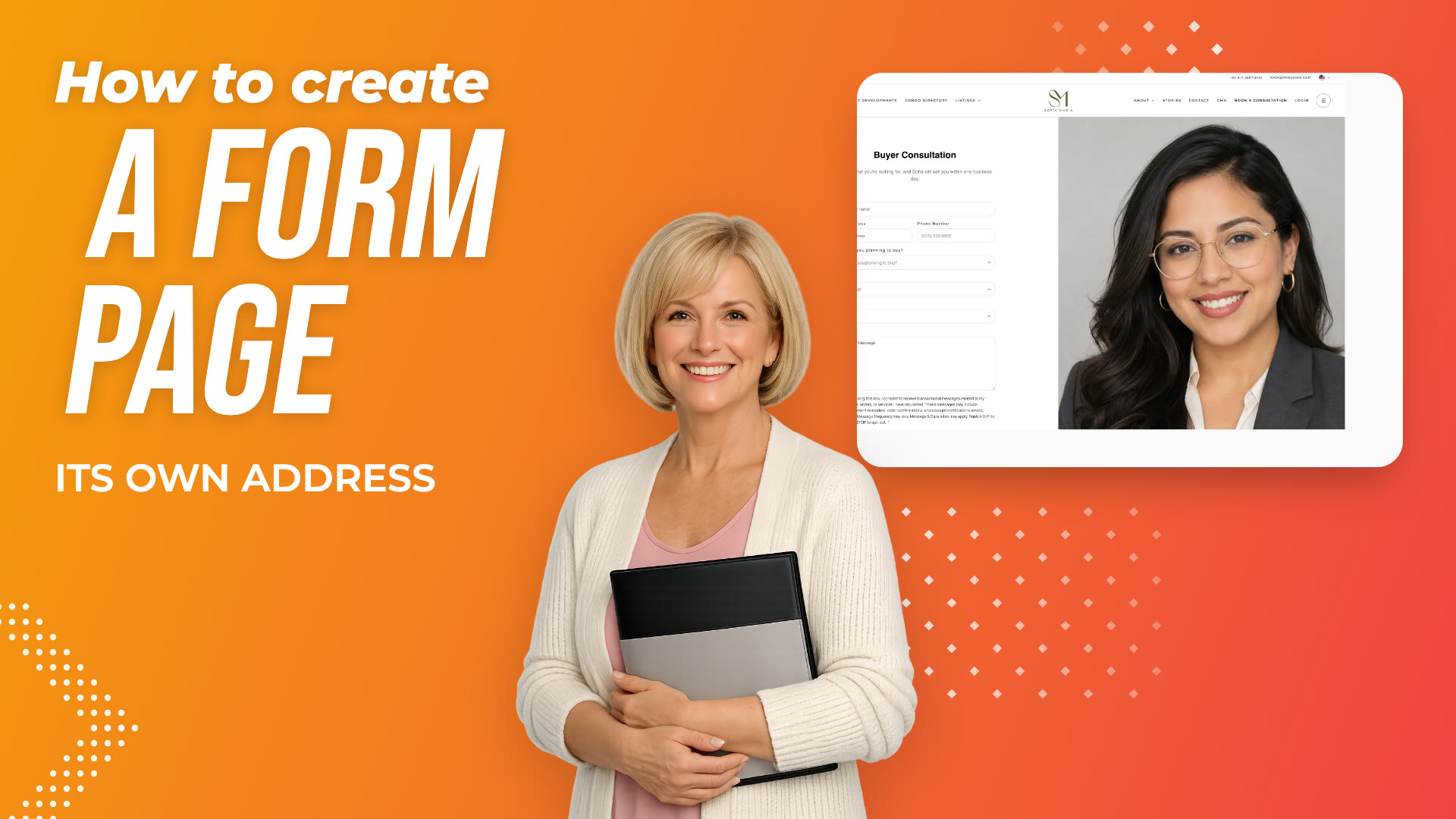
Create a Page for Your Form
Create a new page in Pages, add a Form section to it, and link to it from your menu.
 Duration 1:09
Forms
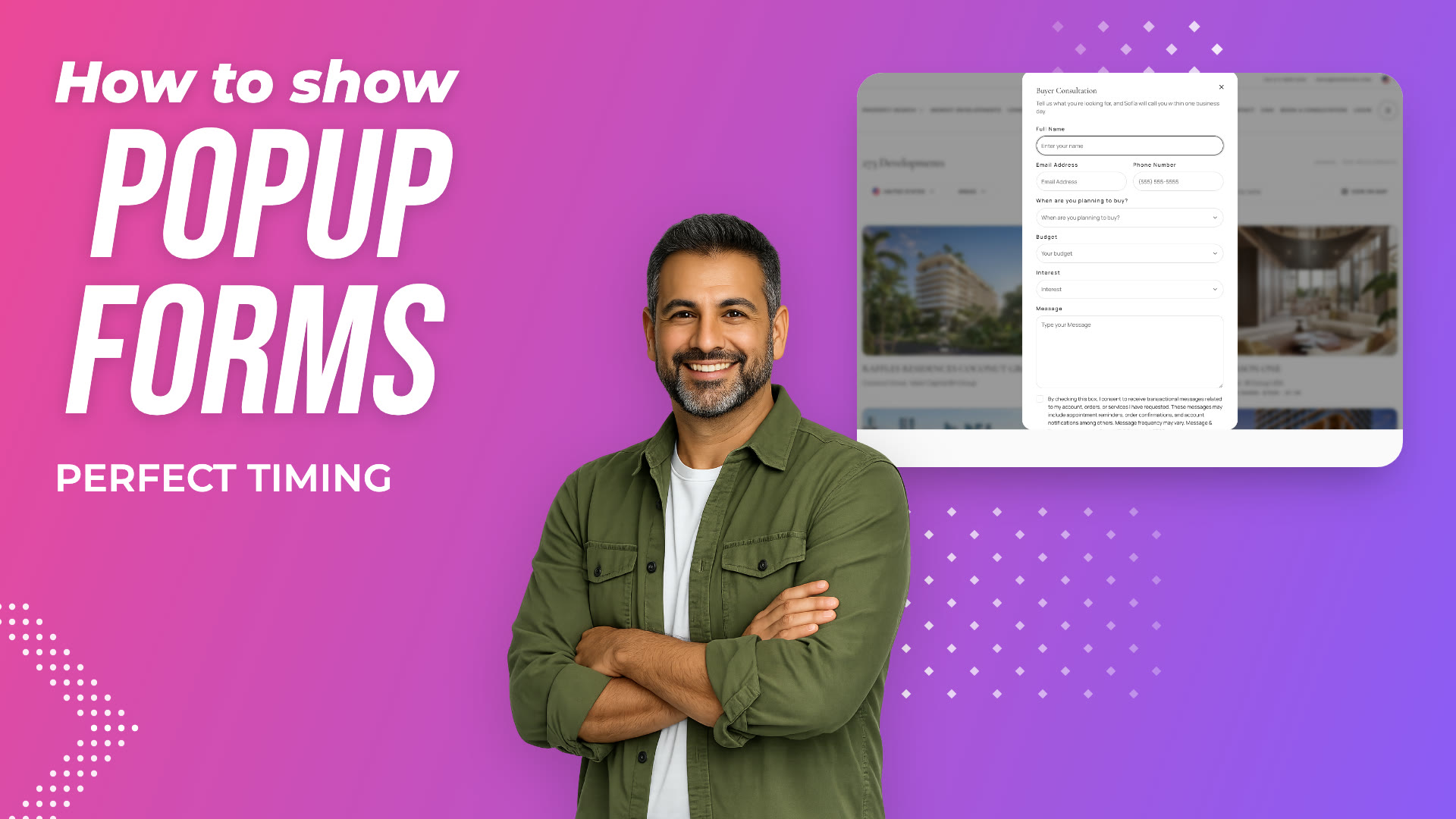
Show a Form in a Popup
Create a popup that shows one of your forms on the pages you choose.
 Duration 1:16
Forms
From Form to Lead
Follow a submission from your website to your CRM: notification, new lead, answers, tasks and analytics.
Turn Your Website Visitors into Leads
Start today, or see it first with someone from our Miami team.