
Learn IDX Search
10 short video lessons, about 7 minutes in all. Watch them in order, and each one is checked off when you finish it.
Lesson 1 of 10
Open the lesson pageSearch Homes on Your Website
How visitors search homes on your website: the search bar, the list, the map and the sort order.
- 01Open the search from the menu of your website.
- 02Type a city, neighborhood, condo, zip code, MLS number or address and pick a suggestion.
- 03The list and the map always show the same homes.
- 04Sort by price, newest listings, beds or baths.
Read Along, One Lesson at a Time
Each lesson also has its own page with the steps written out.
 Duration 0:58
IDX Search
Search Homes on Your Website
How visitors search homes on your website: the search bar, the list, the map and the sort order.
 Duration 0:58
IDX Search
Filter the Search
The filters above the results: status, property type, price, beds and baths, and All Filters.
 Duration 0:40
IDX Search
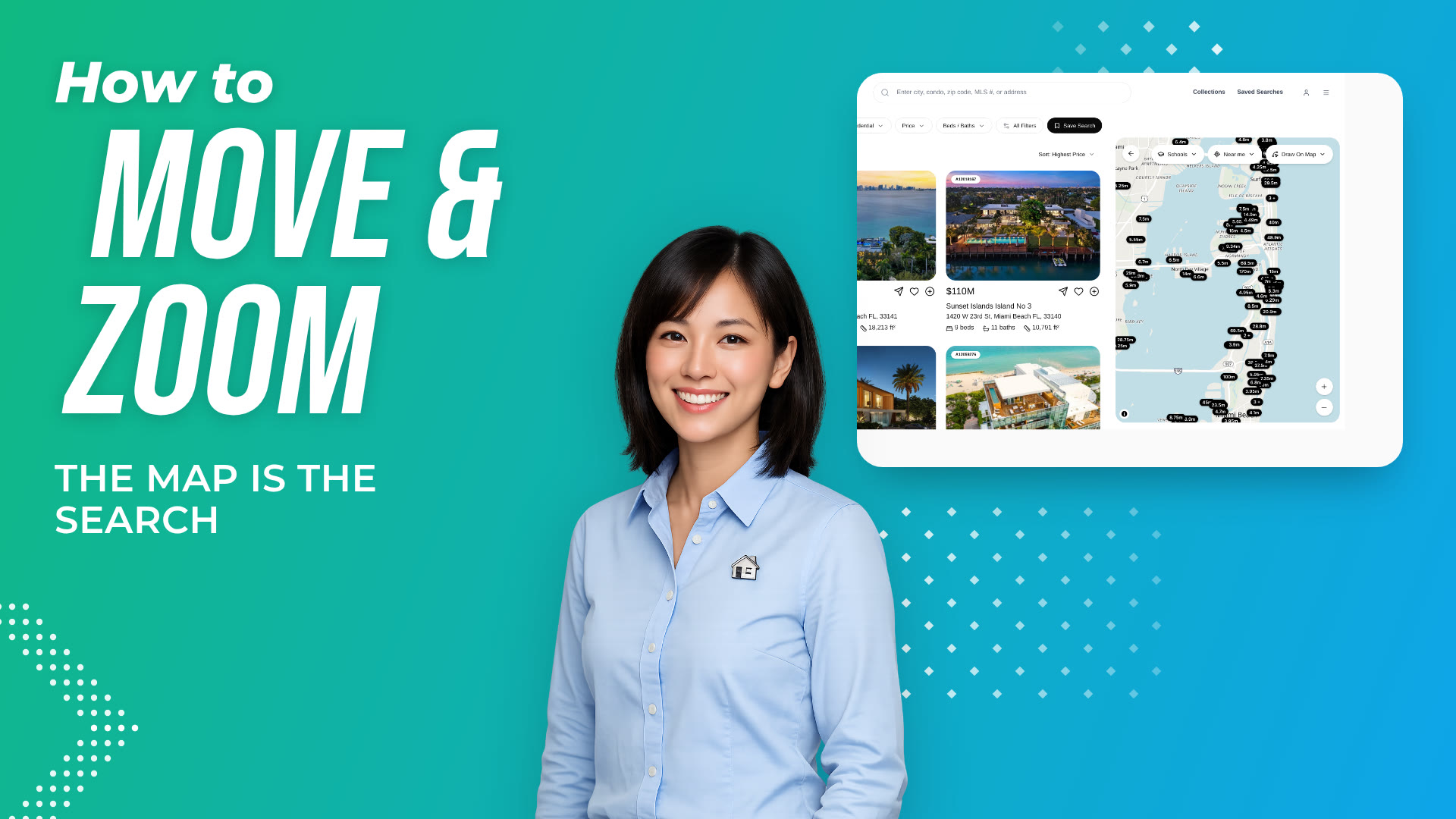
Move and Zoom the Map
How the map drives the search: zoom, drag and the arrow that hides or shows the list.
 Duration 0:37
IDX Search
Search Near Me
Near me finds the homes around the visitor, in a circle from a quarter mile to ten miles.
 Duration 0:39
IDX Search
Draw on Map: Freehand
Draw any shape on the map with Freehand, and search only inside it.
 Duration 0:33
IDX Search
Draw on Map: Radius
Draw a circle around any point of the map with Radius.
 Duration 0:35
IDX Search
Draw on Map: Polygon
Draw an exact area point by point with Polygon.
 Duration 0:45
IDX Search
Schools on the Map
Show the schools on the map by level, type and grade, and open each school's card.
 Duration 0:43
IDX Search
The Listing Page
What a visitor sees on a listing: price, photos, map, facts, remarks and your card to request a showing.
 Duration 0:42
IDX Search
Save, Collect and Compare
Save Search, likes, collections and Compare: what a visitor saves, and how it brings them back.
Every Listing on Your Own Website
Start today, or see it first with someone from our Miami team.