
Learn IDX Search · Lesson 1 of 10
Search Homes on Your Website
How visitors search homes on your website: the search bar, the list, the map and the sort order.
Published · 0:58
Put the Walkthrough into Practice
- 01Open the search from the menu of your website.
- 02Type a city, neighborhood, condo, zip code, MLS number or address and pick a suggestion.
- 03The list and the map always show the same homes.
- 04Sort by price, newest listings, beds or baths.
Connect This Lesson to Your Website
Use this recording alongside your own dashboard and the current documentation. Check the result as a visitor before sharing it with clients. The interface may evolve after the recording.
Panda Academy
All videos and tutorialsContinue Learning
 Duration 0:58
IDX Search
Filter the Search
The filters above the results: status, property type, price, beds and baths, and All Filters.
 Duration 0:40
IDX Search
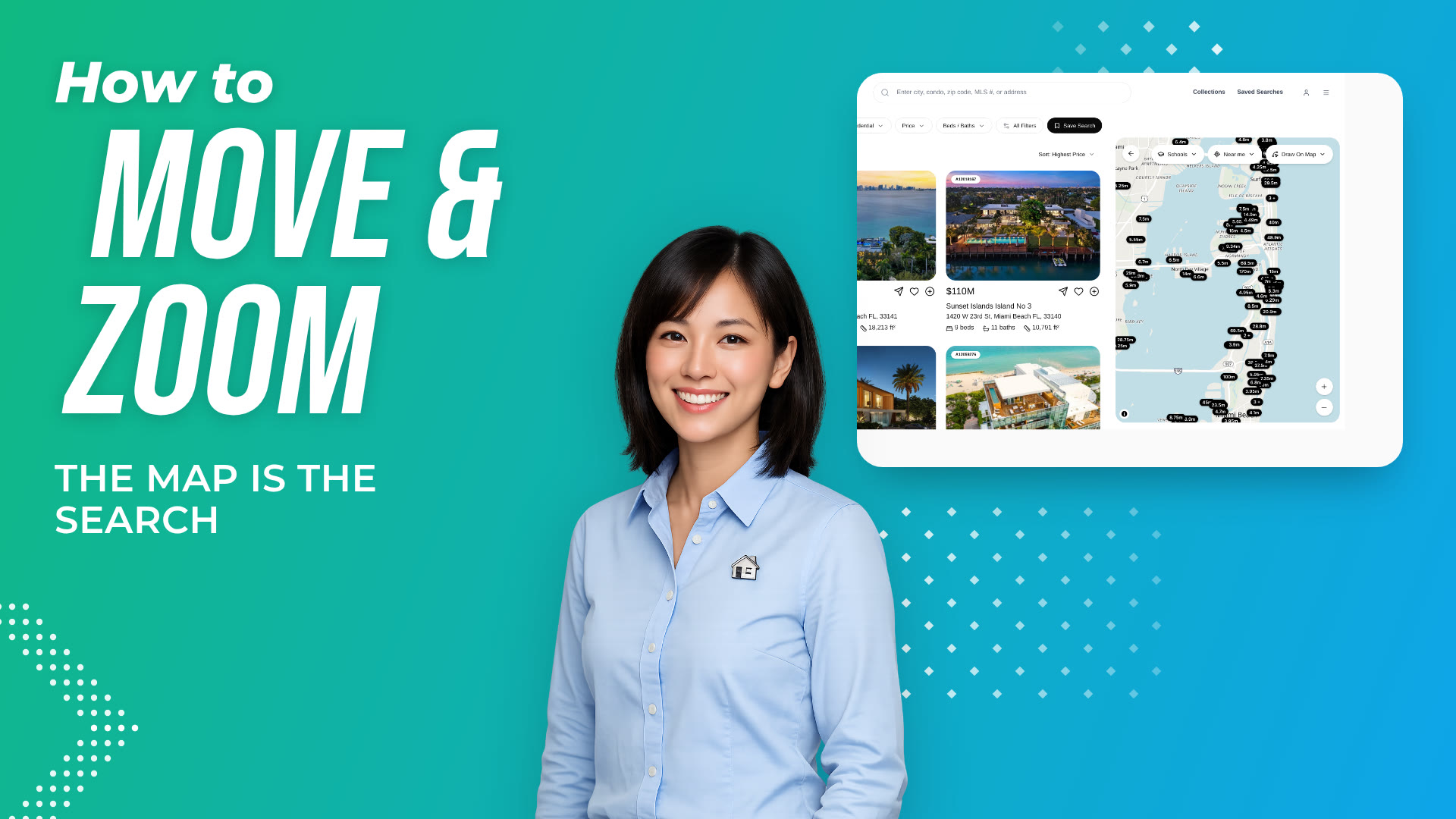
Move and Zoom the Map
How the map drives the search: zoom, drag and the arrow that hides or shows the list.
 Duration 0:37
IDX Search
Search Near Me
Near me finds the homes around the visitor, in a circle from a quarter mile to ten miles.
Keep Exploring
Where This Feature Lives
AI Website BuilderBuild and edit your real estate website with MAIA, the Panda AI builder, or section by section in Edit Site. IDX search, Brand Kit and publishing included.Learn moreReal Estate CRMA real estate CRM that shows what each lead searched, viewed and saved on your website. Contacts, deals, campaigns and calendar for $49.99 a month.Learn moreIDX WebsitesIDX websites for Realtors with live MLS search, condo and new development pages, lead capture and your own domain. Plans from $69.99 a month.Learn more
Build the Site You Would Want to Search
Start today, or see it first with someone from our Miami team.