
Forms, Pop-ups and Landing Pages That Fill Your CRM
Build a classic form or one that asks a question at a time, show it on any page, in a popup or on a page of its own, and every answer reaches your CRM as a lead.
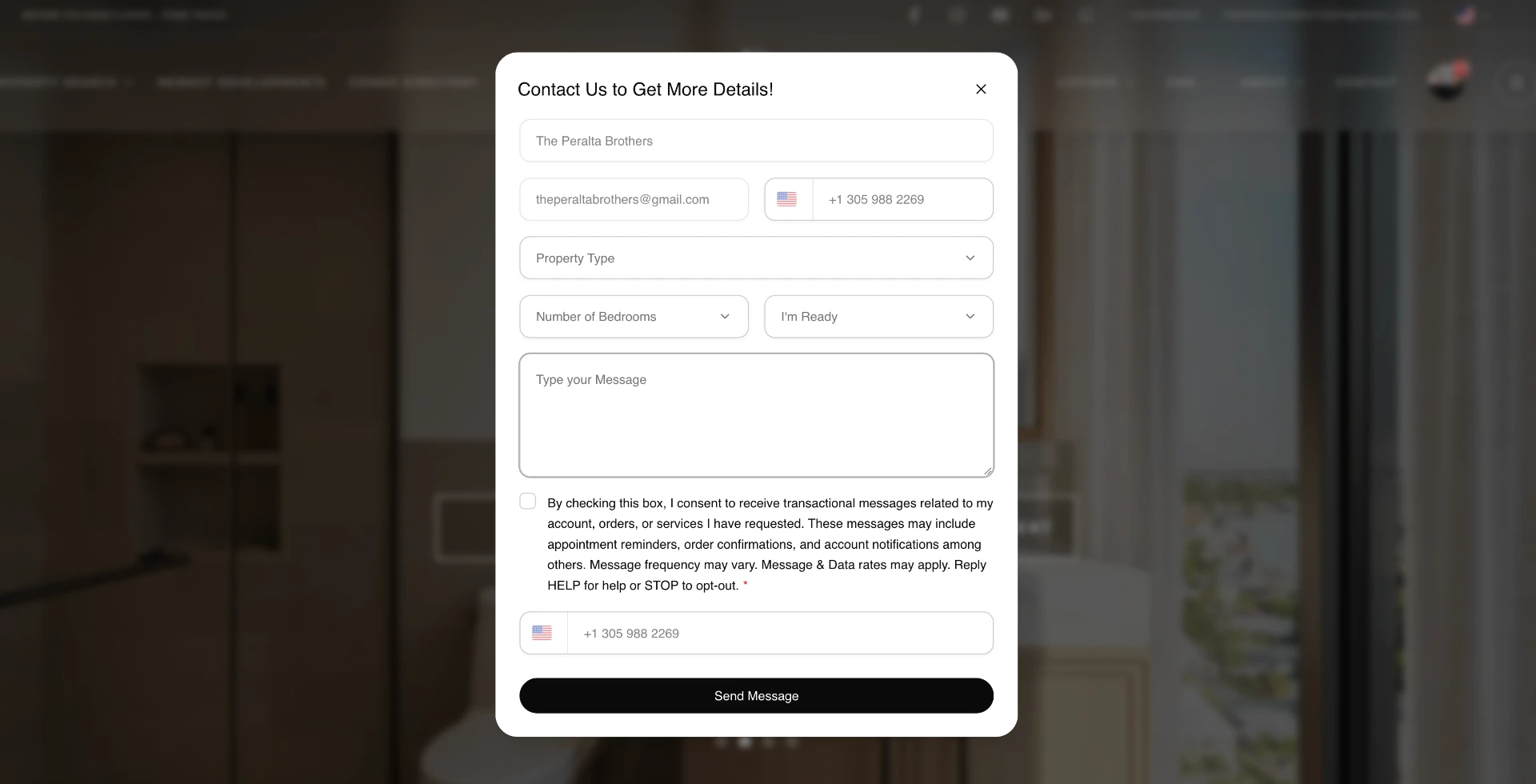
Lead Capture, Pop-ups and Landing Pages
Forms is where you build every form of your website. A classic form shows all its fields at once. A step-by-step form asks one question at a time, with picture choices, multiple choice, dates and contact details, and has its own link you can share anywhere. You put a form on any page, open it from a button or your menu, show it in a popup, or give it a page of its own. Every submission is a contact in your CRM with its answers. The Learn Panda Forms course shows each step in a short video.
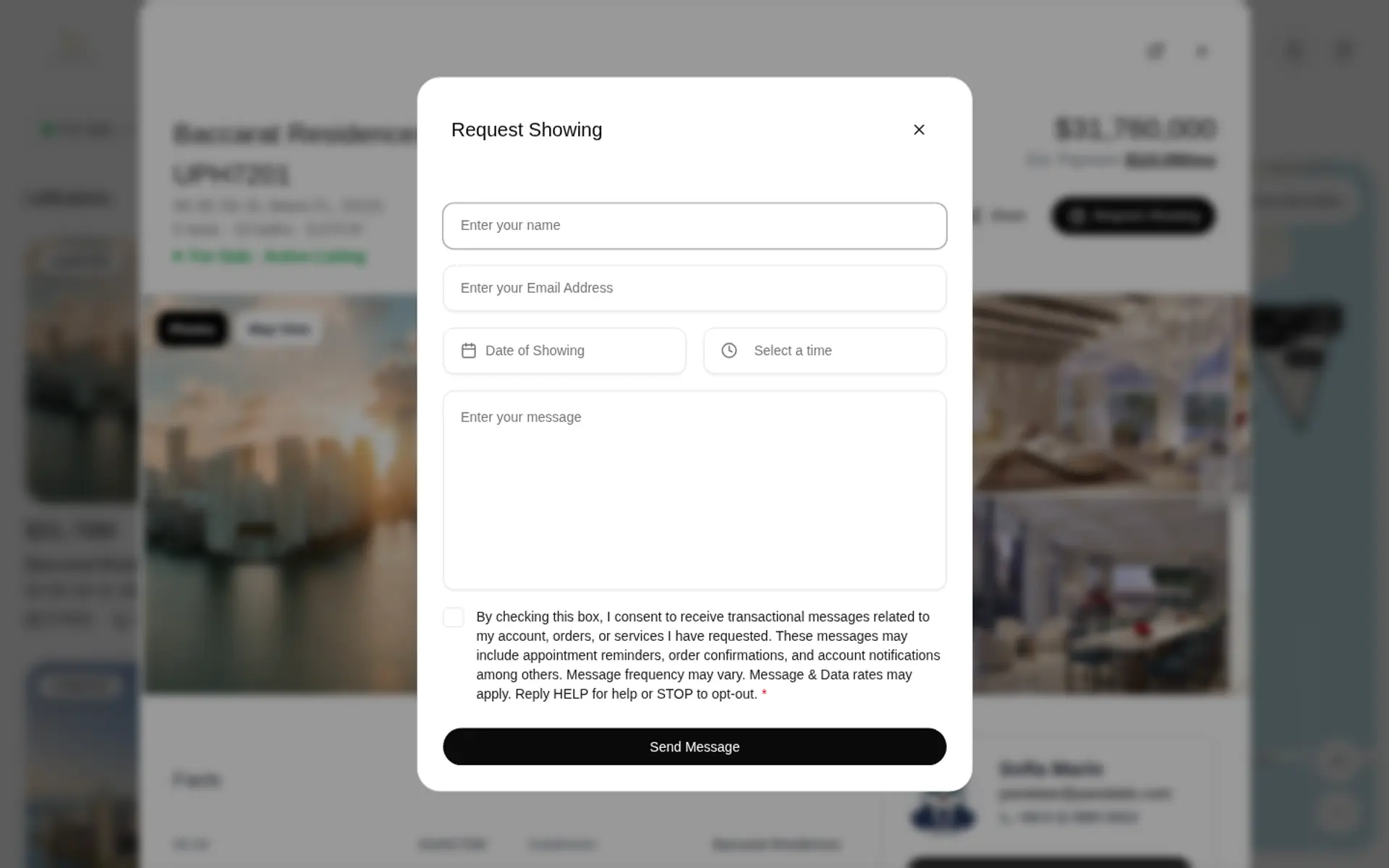
Start from a template or a blank form, add text, email, phone, dropdown, checkbox, date, time and long-text fields, and add it to any page of your website in Edit Site. A button or a link in your menu can open it too.
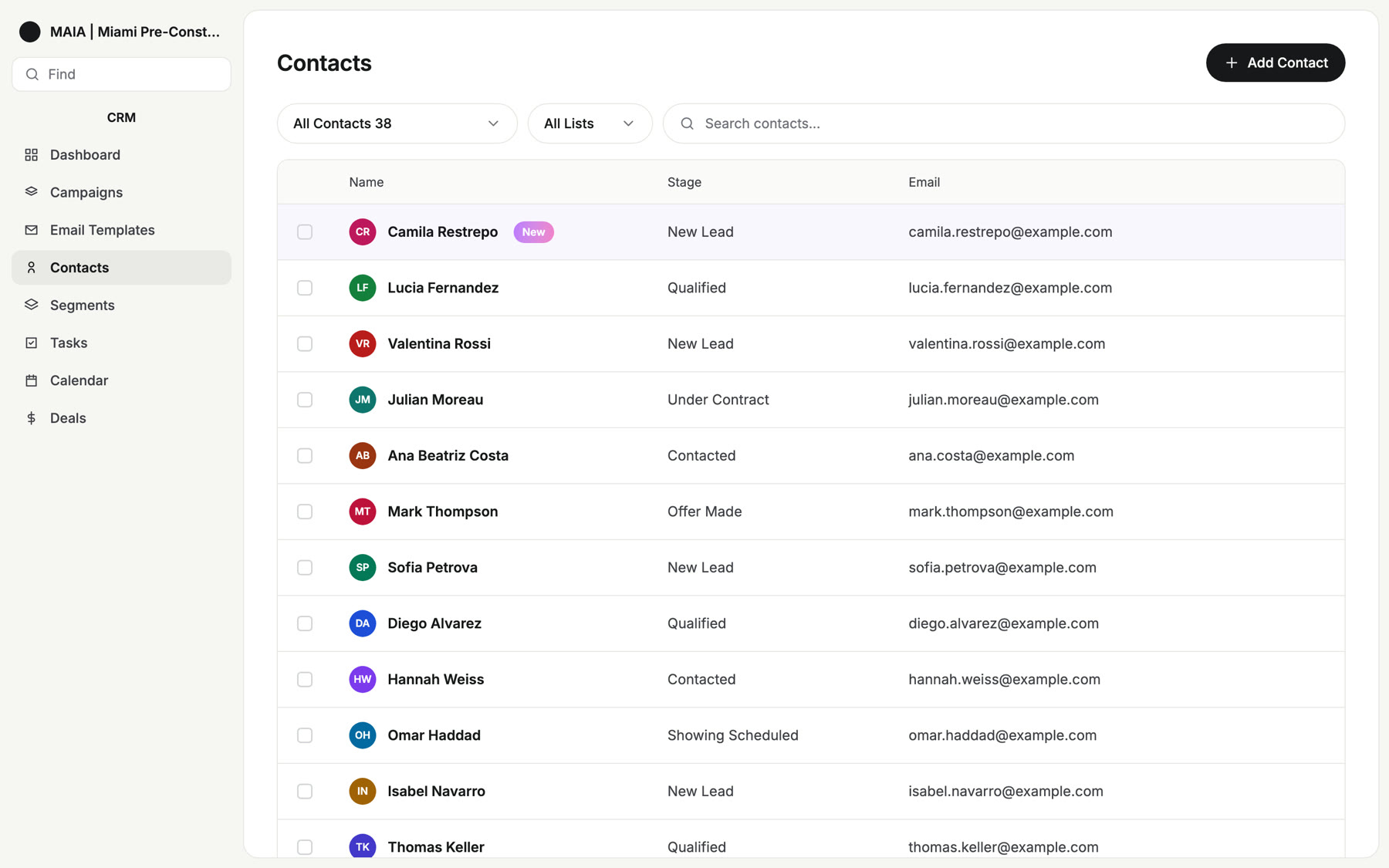
From Form to Lead
Every submission creates a contact in your CRM with the form it came from and its answers, and sends you a notification. Lead routing, follow-up plans and outbound webhooks take it from there, and Analytics counts conversions per form and per popup.
Learn Panda Forms in 10 Short Videos
From building your first form to placing it on a page, a button, your menu or a popup, and following the lead into your CRM.
Frequently Asked Questions
Turn More of Your Visitors Into Leads
See forms, popups and landing pages on a live Panda website.