
Off-Market Listings
Add pocket listings on your Panda IDX site from Pages → Off-Market Listings. They do not come from the MLS.
Off-market listings are inventory you add. They do not come from the MLS.
Dashboard → Pages → Off-Market Listings. Search by title or address. Add New starts a listing.
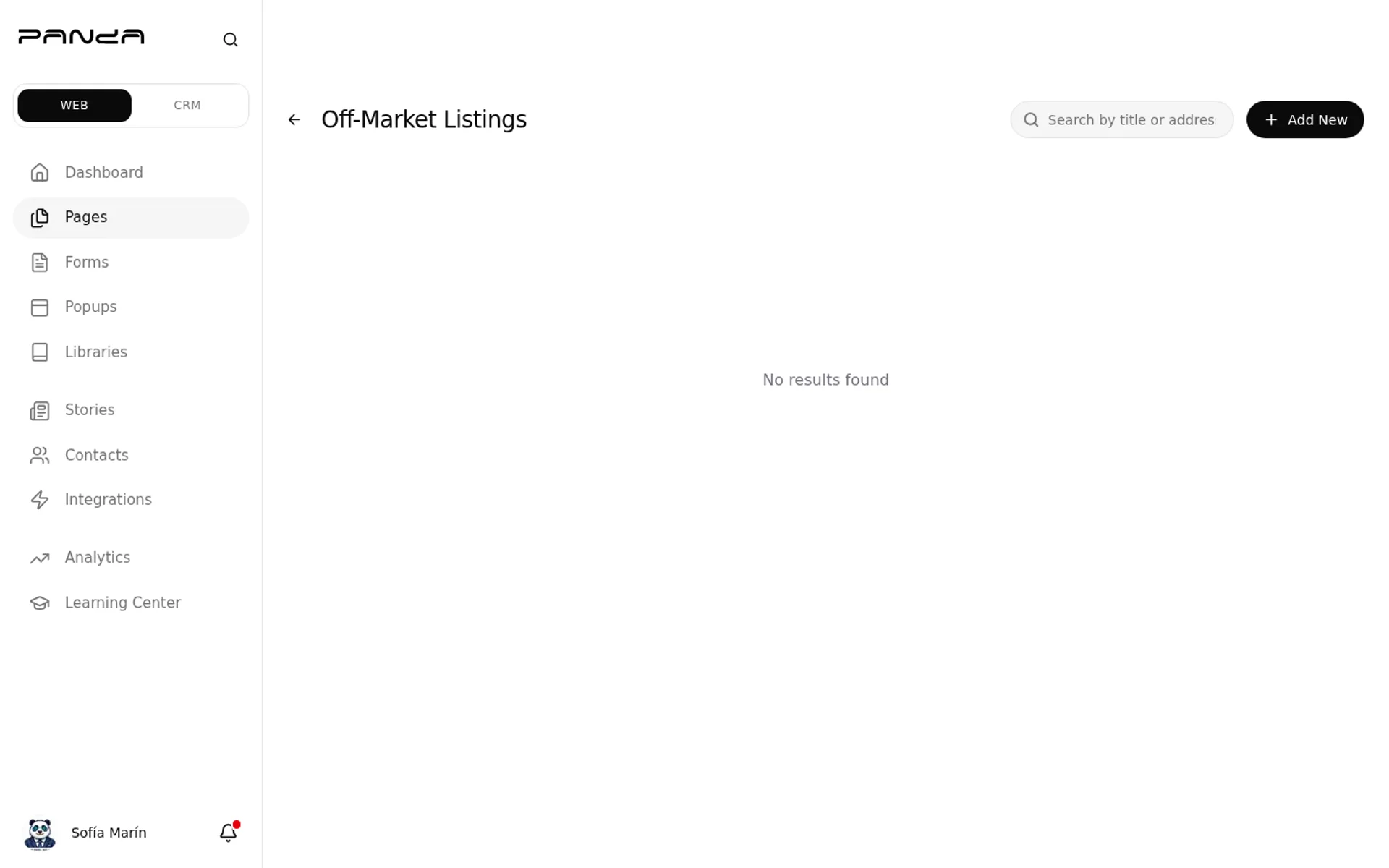
If the list is empty, nothing is live yet. Click Add New.
Add a listing
Step 1: Open Off-Market Listings
In the dashboard sidebar, click Pages, then Off-Market Listings.
Step 2: Click Add New
The first screen is a type picker: Residential, Multi-Family, Office, Hospitality, Industrial, Retail, Land, or Rental.
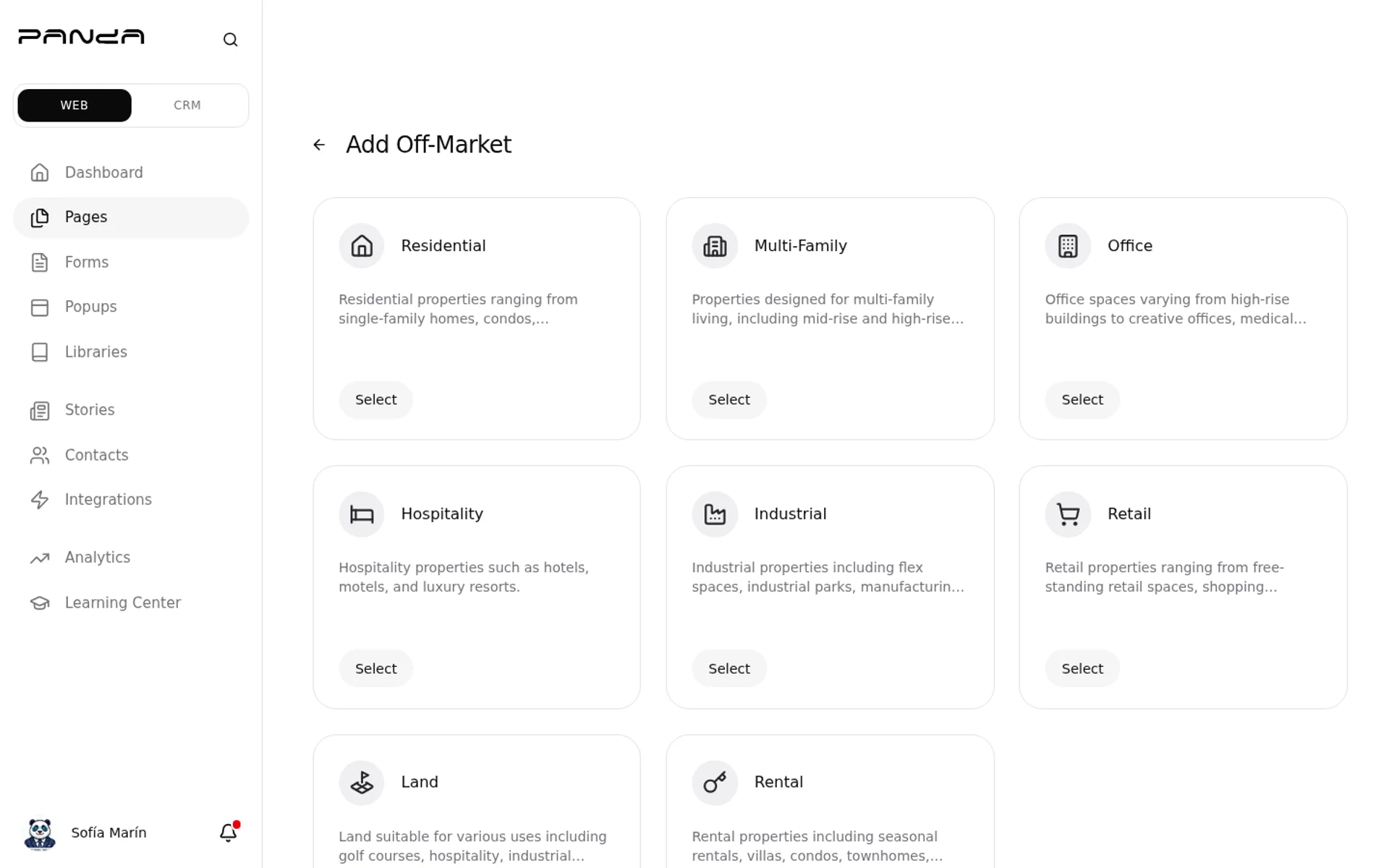
Step 3: Select a type and fill the listing
Pick a type, then add that property. Save. A public Off-Market page only shows listings you published. If none are published, that URL is empty.
This path is for inventory that is not in the MLS feed. MLS pre-construction lives under New Developments.
Frequently asked questions
Do off-market listings come from the MLS?
No. You add them here.
What's the difference versus New Developments?
New Developments is MLS pre-construction you publish. Off-market is a listing you create.
Why is the public Off-Market page empty?
There is no published inventory yet.
Can I add a property that is already on the MLS?
Use search for MLS listings. This page is for inventory that is not in the feed.